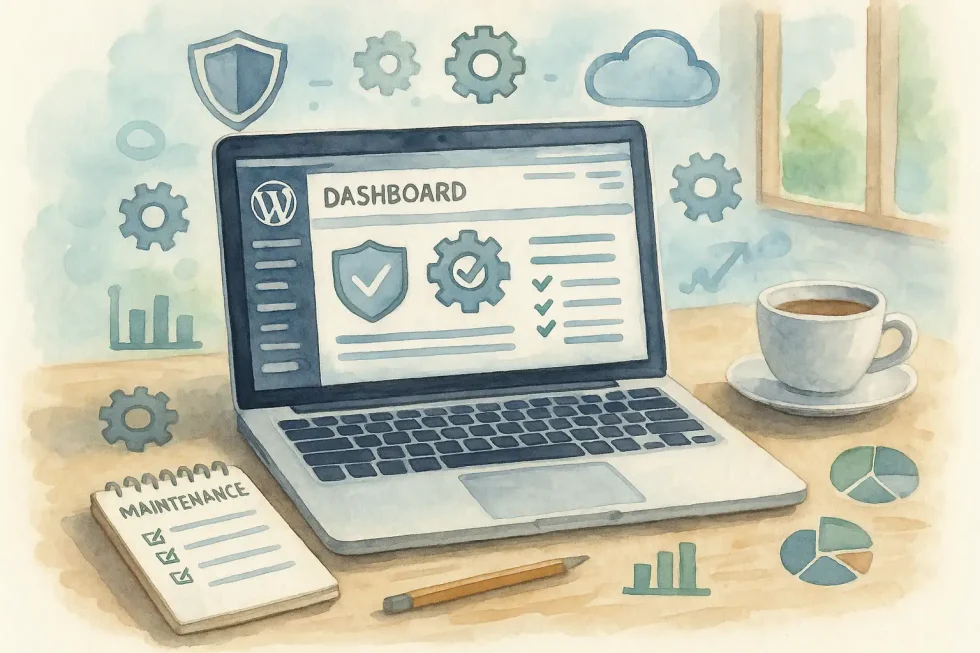
Every minute your website is offline can lead to significant financial losses and erosion of trust. Industry reports indicate that IT downtime can cost thousands of dollars per minute, impacting businesses of all sizes. For growing businesses, even a brief outage can undermine extensive marketing efforts. The solution lies in consistent and disciplined WordPress maintenance. This guide provides a comprehensive checklist to keep your WordPress site fast, secure, and profitable year-round.
Why Consistent WordPress Maintenance Matters
WordPress powers more than 40% of the web, making it an irresistible target for attackers. Sucuri reports that nearly half of hacked sites ran outdated software at the time of infection. Add Google’s finding that a three-second delay increases bounce probability by 32%, and the case for ongoing upkeep is undeniable.
What is the Comprehensive WordPress Maintenance Checklist?
1. What is a good WordPress Backup Strategy?
- Automate daily backups of both files and database. A backup that excludes the database is incomplete and insufficient for full restoration. Consider using a reputable backup plugin like UpDraft Plus for automated daily backups.
- Store copies off-site in at least two locations—think secure cloud storage plus local encrypted drive.
- Test restores quarterly in a staging environment to confirm backups are viable.
Regular backups are your most critical safety net. — WPBeginner
2. How do I handle Security & Updates for WordPress?
- Update plugins first, themes second, core last. This staged approach reduces conflict risk.
- Use a staging site for all updates; push to production only after testing.
- Remove unused extensions. Dormant code equals dormant vulnerabilities.
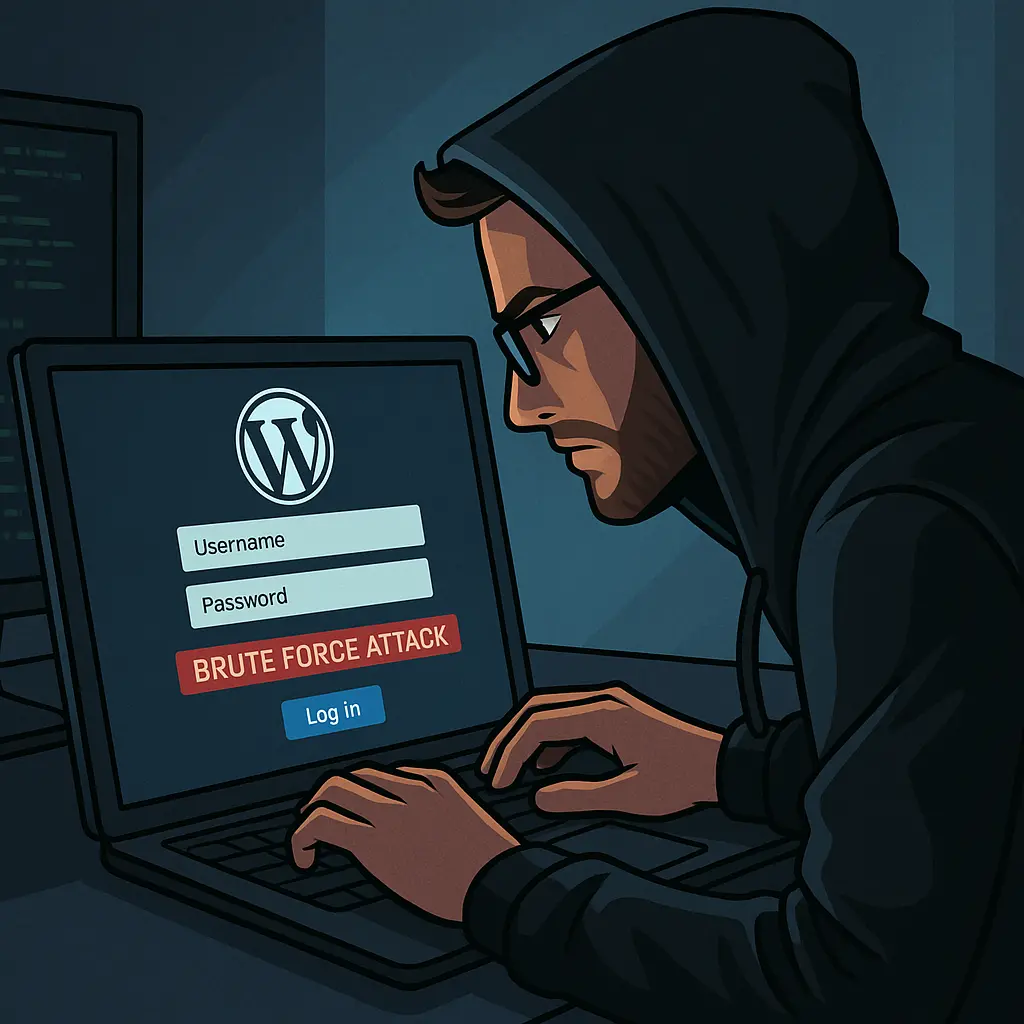
- Enforce strong passwords and Two-Factor Authentication for every user role.
- Limit login attempts and review user accounts monthly, pruning any no longer needed.
- Maintain an active SSL certificate serving as a critical trust signal that encrypts user data while satisfying Google’s strict "HTTPS-as-a-ranking-signal" requirements for a secure, authoritative web presence.
The best security posture is a proactive one. — Wordfence. This is the plugin I use most often. It's the second thing on my WordPress maintenance checklist.
3. Performance Optimization
- Clean the database of post revisions, spam comments, and expired transients every month.
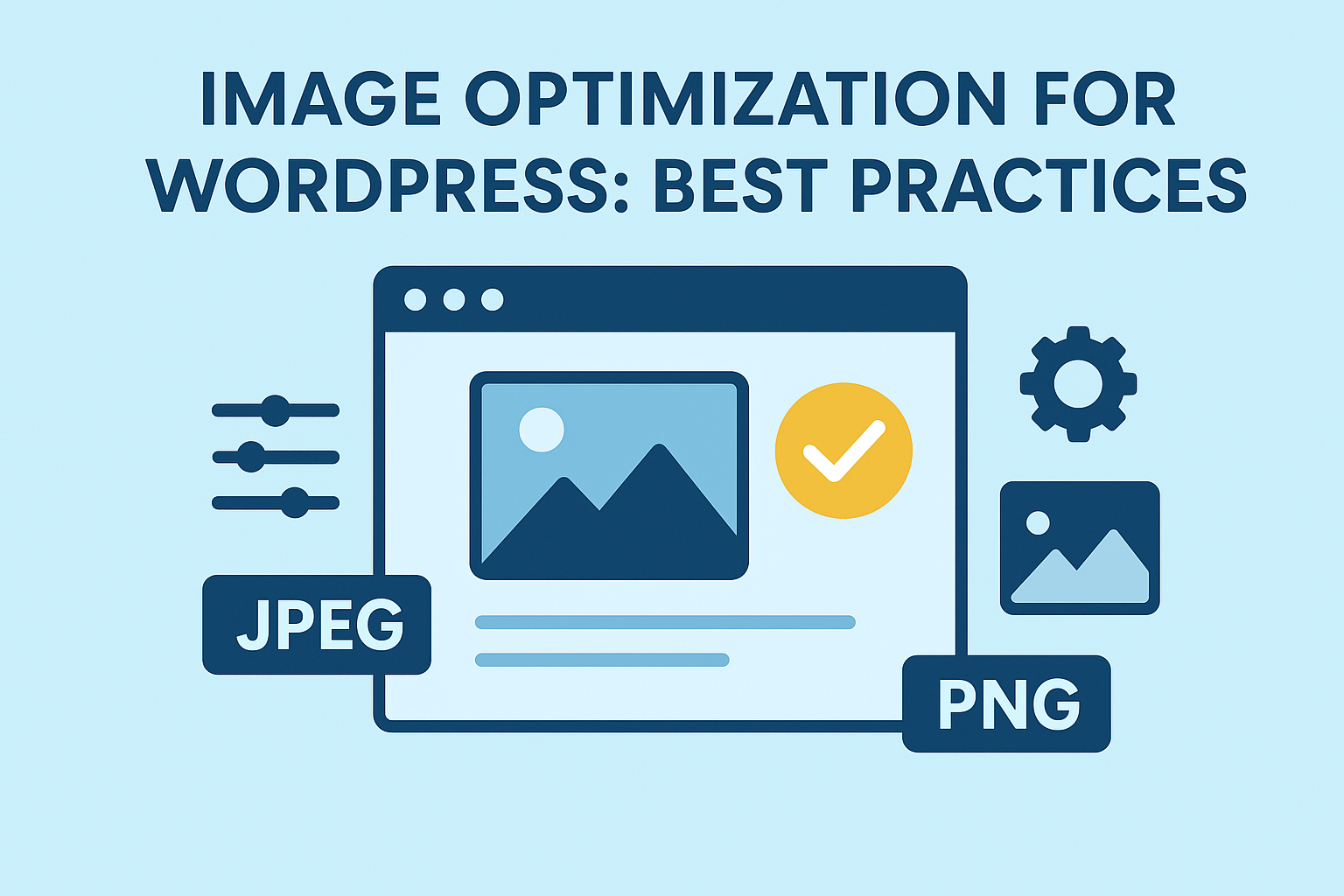
- Compress and resize images before upload; serve WebP for modern browsers.
- Implement multi-layer caching—page, browser, and object—to cut load times dramatically.
- Minify CSS, JS, and HTML to shave kilobytes and milliseconds.
Performance isn’t a one-time fix; it’s ongoing maintenance. — WP Rocket
4. Monitoring & General Housekeeping
- Set up uptime monitoring to ping your site every five minutes and alert you instantly if it fails.
- Scan for broken links weekly; repair or redirect to preserve SEO equity.
- Moderate spam comments and clear trash to keep both database and user experience clean.
- Audit analytics to spot unusual traffic spikes that could signal malicious activity.
WordPress help that converts
Need a real WordPress expert, not another plugin roulette session?
This post is in WordPress, so here’s the most relevant next step if you want help applying it.
From speed fixes and malware cleanup to custom themes and conversion improvements, we help WordPress sites perform like they were built on purpose.
- Custom WordPress development and troubleshooting
- Performance, security, and technical SEO improvements
- Direct help from an experienced WordPress developer
What are key Web Hosting Management and Infrastructure Tips?
Even flawless website maintenance checklist routines falter on shaky infrastructure. Choose hosting that offers:
- Isolated resources for performance and security.
- Automatic server-level backups to complement your site-level copies.
- Built-in firewalls and malware scanning.
- Staging environments at no extra cost.
Combine quality hosting with Content Delivery Networks and you’ll halve load times for global visitors.
How Often Should You Run Each Task?
| **Task** | **Frequency** |
| Core, plugin, theme updates | Weekly |
| Database cleanup | Monthly |
| Image audits | Monthly |
| Security scan | Daily |
| Full site backup | Daily |
| Uptime monitoring | 24/7 |
| Broken link check | Weekly |
How can I take WordPress Maintenance Off My Plate?
If the checklist feels overwhelming, you’re not alone. Many teams choose a managed service for WordPress maintenance so they can focus on growth instead of updates. A dedicated partner handles everything from link building and custom coding to cybersecurity hardening and web hosting management—streamlining operations and safeguarding revenue.
Conclusion & Next Steps
Downtime and data breaches aren’t acts of fate; they’re the result of neglected maintenance. By following the steps above, you’ll turn WordPress into a resilient, high-performing asset that supports your brand 24/7.
📧 Want to Stay Updated?
Get the latest web development tips and insights delivered to your inbox.
🚀 What Services do you Offer?
About the Author

Brian Keary
Founder & Lead Developer
Brian is the founder of BKThemes with over 20 years of experience in web development. He specializes in WordPress, Shopify, and SEO optimization. A proud alumnus of the University of Wisconsin-Green Bay, Brian has been creating exceptional digital solutions since 2003.
Expertise
Writing since 2003