Introduction – Why Convert Your WordPress into an App?
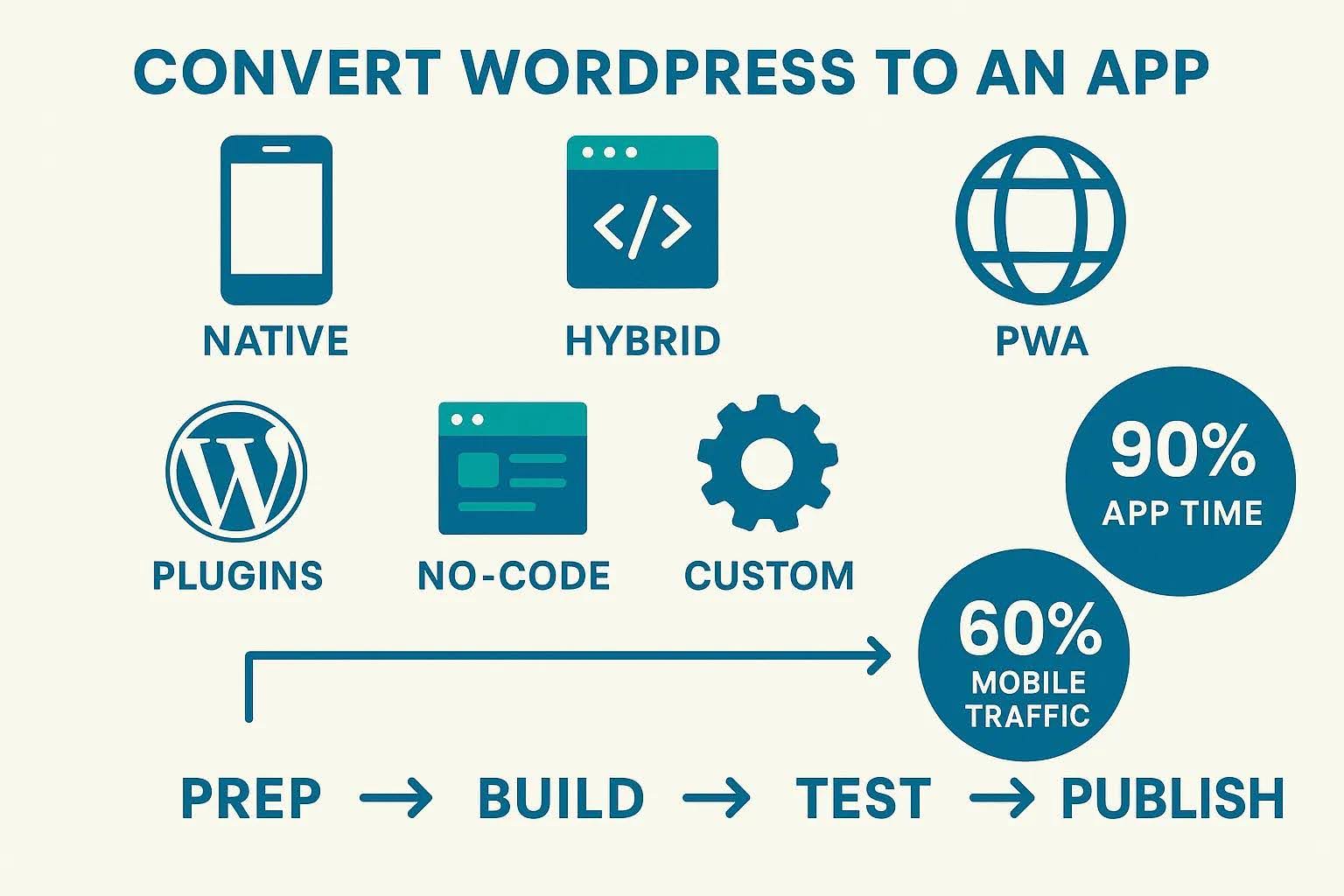
In today’s fast-paced digital world, having a mobile presence is no longer optional—it’s essential. People spend over 90% of their mobile time inside apps, and if your WordPress website isn’t available as one, you’re missing a massive opportunity to engage your audience.
Converting your WordPress website into an app allows you to boost engagement, send push notifications, and provide a smoother, faster, and more personalized experience for your users. Plus, with tools available today, you don’t need to be a developer to make it happen.
How does the rise of mobile-first users affect businesses and the need for mobile apps?
According to Statista, more than 60% of global internet traffic comes from mobile devices. This shift toward mobile-first browsing means that businesses must adapt to mobile habits, where apps dominate attention
Having a mobile app increases your brand visibility and makes it easier for users to access your content with a single tap—no browser, no typing, just instant access.
How Do Apps Enhance User Experience?
Apps deliver faster loading times, better navigation, and personalized notifications—something mobile websites can’t fully achieve. With features like offline access, push notifications, and user logins, your audience stays connected even when they’re not online.
In short, an app helps convert one-time visitors into loyal users.
What is the core process and main routes for converting a WordPress website into an app?
Converting your WordPress site into an app isn’t about starting from scratch. Instead, you’re repurposing your existing site’s content and functionality for mobile platforms.
There are three main routes to do this:
- Native apps (built specifically for iOS or Android)
- Hybrid apps (use web technologies inside a native wrapper)
- Progressive Web Apps (PWAs) (browser-based apps that act like native ones)
Native App vs. Hybrid App – Which One Suits You Best?
- Native apps are fast, reliable, and offer full access to device features (camera, GPS, etc.), but require separate builds for Android and iOS.
- Hybrid apps, on the other hand, use a single codebase for both platforms—saving time and money but slightly compromising performance.
If budget and speed matter most, go hybrid. If performance and scalability matter more, go native.
What are Progressive Web Apps (PWAs), and why are they a good option for WordPress mobile conversion?
PWAs are websites that behave like apps. They load instantly, work offline, and can be installed directly from a browser—without app store submission.
For many WordPress users, turning their site into a PWA using plugins like Super Progressive Web Apps or PWA by PWA Plugin Contributors is the easiest and cheapest way to get started. For more WordPress-specific tactics, browse our WordPress blog archive.
Preparation Before Converting a WordPress site into an App
Before you begin, ensure your website is ready for mobile adaptation.
How can you optimize your WordPress site for mobile to improve app performance?
Use a responsive theme, compress your images, and enable caching with plugins like WP Rocket or LiteSpeed Cache. This improves your app’s performance since it mirrors your site’s speed.
How do you ensure WordPress plugin and theme compatibility for an app environment?
Ensuring plugin and theme compatibility in a mobile app environment requires addressing both server-side API performance and client-side UI/UX rendering. Since mobile apps interact with WordPress through the REST API or WebViews rather than standard browser page renders, traditional themes and desktop-first plugins often require adjustments.
1. Optimize Theme Compatibility
- Decouple the Front-End (Headless Setup): If using native or hybrid app frameworks (like Flutter or React Native), treat WordPress solely as a headless CMS. The mobile app renders its own UI using data fetched via the REST API or GraphQL, rendering backend desktop theme code irrelevant.
- Use App-Dedicated Themes/Templates: If using app conversion plugins (such as AppPresser or MobiLoud), configure dedicated mobile themes or Canvas layouts provided by the plugin. These strip away heavy desktop elements (sidebars, footers, mega menus) to serve lightweight views designed specifically for mobile screens.
- Audit Responsive WebViews: For app builders that rely on embedded WebViews, ensure your active WordPress theme is fully responsive, uses touch-friendly UI elements, and disables heavy desktop animations or scripts.
2. Standardize API & Backend Plugin Compatibility
- Expose Custom Endpoints: Many plugins store data in custom fields or tables that aren't available in standard WordPress REST API routes. Use plugins like WP REST API Controller or extend the API in custom code via
register_rest_field()to expose plugin data to your app. - Secure Authentication: Ensure security and membership plugins support API-based authentication. Implement token-based authentication protocols like JWT (JSON Web Tokens) or OAuth2 so users can log in, access restricted content, or maintain user sessions within the app.
- Handle E-Commerce & Checkout: WooCommerce and payment plugins require native or API-driven payment gateway integrations (such as Stripe SDK or PayPal Mobile SDK) rather than traditional browser redirects.
3. Eliminate Conflicts & Performance Bottlenecks
- Deactivate Incompatible Plugins: Disable desktop-centric plugins that rely on heavy front-end JavaScript libraries, page builders (like Elementor or Divi) loaded directly into APIs, or complex desktop pop-ups.
- Offload Heavy Queries: Optimize API queries by using caching plugins or services (like Redis or LiteSpeed) configured to cache REST API responses, preventing heavy plugin database queries from slowing down the app experience.
- Audit Script Injection: Some plugins inject scripts across the entire site indiscriminately. Use asset optimization plugins or conditional hooks to prevent non-essential plugin scripts from executing during REST API requests or WebView rendering.
4. Testing & Validation Workflow
- Staging Environment Testing: Always duplicate your WordPress environment to a staging server before building the app. Test activating and deactivating plugins one by one while monitoring app behavior.
- API Route Inspection: Use tools like Postman or Insomnia to inspect REST API endpoints (
/wp-json/wp/v2/) to verify that all necessary plugin data, custom post types, and metadata are correctly formatted in JSON without throwing server errors. - Cross-Device Testing: Test the compiled app on real devices or emulation environments like TestFlight (iOS) and Firebase Test Lab (Android) to ensure plugins don't break mobile navigation, form submissions, or push notifications.
What are some examples of WordPress sites that have apps on the App Store?
Several major brands and high-traffic platforms run their primary web backends on WordPress while distributing companion apps via the Apple App Store:
1. Media & Publishing
- TechCrunch: One of the most famous enterprise WordPress instances. TechCrunch uses a custom headless/REST API setup to sync real-time news articles, startup profiles, and editorial content directly to its TechCrunch iOS App.
- Time Magazine: Time's digital publishing architecture relies heavily on WordPress to manage its massive editorial catalog, serving content directly to the TIME Digital Magazine App on iOS.
- Rolling Stone: Built on WordPress VIP for high-volume content delivery, Rolling Stone feeds its news articles, album reviews, and media features into its official mobile app.
2. Major Brands & Organizations
- The White House (WhiteHouse.gov): The official U.S. government website is managed on WordPress. While the public primarily visits the site via web browser, it integrates with governmental distribution apps and news feeds fed by WordPress REST API endpoints.
- Flickr (Flickr Blog): Flickr uses WordPress to power its global corporate blog platform, which links closely with content feeds used inside the primary Flickr iOS App.
3. E-Commerce & Merchant Platforms
- WooCommerce Storefronts: Thousands of independent online retailers run their backends on WordPress using the WooCommerce plugin. These merchants use specialized app builders (or custom React Native builds) to offer native mobile shopping apps on the App Store while keeping orders, inventory, and payments centralized in their WordPress admin dashboard.
- WooCommerce Mobile App: Automattic's official WooCommerce iOS App allows site owners to manage store orders, product catalog inventory, and sales analytics on the go.
4. Community & Content Management
- WordPress Official iOS App: Developed by Automattic, the WordPress App on the App Store serves as a mobile control center, allowing site owners to write posts, moderate comments, and view site analytics across self-hosted WordPress.org sites and WordPress.com environments.
Step-by-Step Methods to Convert a WordPress site into an App
Now, let’s explore three proven methods to convert your WordPress website into a fully functional app.
Method 1 – Using WordPress App Builder Plugins
Several plugins can instantly turn your site into an app without writing any code. Popular options include:
1. AppPresser
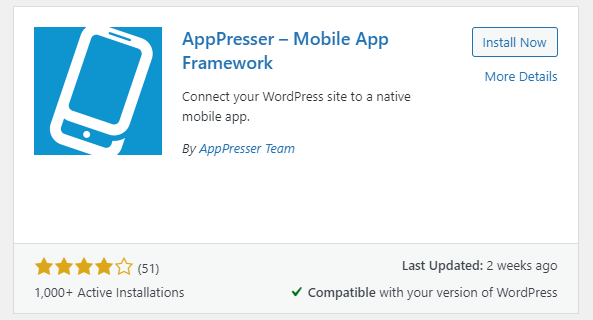 This is a user-friendly tool for converting WordPress sites into mobile apps.
They offer a WordPress mobile theme that can be used to build an app for your blog, WooCommerce store, or BuddyPress website.
It has a visual app customizer that allows you to simply change the design of your app, similar to how a WordPress theme works. You may change the colors, build custom pages, pull WordPress content, and more.
AppPresser has integrated push notifications that are simple to set up and administer.
2. MobiLoud
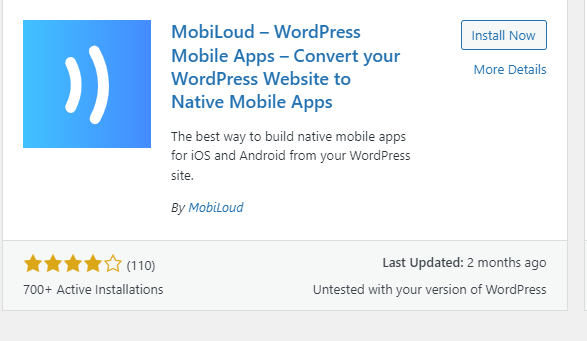
This plugin helps website owners convert their WordPress sites into mobile apps. They provide two products: one for news or blog sites, and another for websites with WooCommerce or other advanced plugins.
The plugin supports push notifications, mobile advertising, analytics, and custom branding. The app has been configured and prepped, and it can be submitted to app stores for you.
3. Androapp
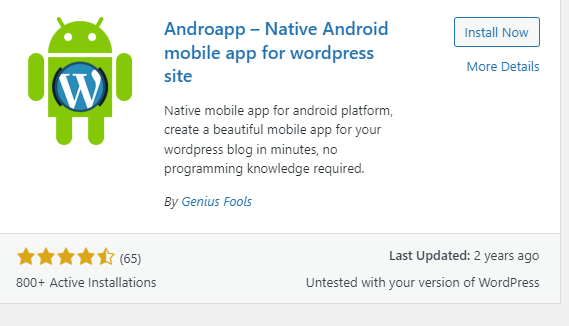
AndroApp is another useful plugin for converting your WordPress site into a mobile app. It includes offline support, different themes, internationalization support, limitless push notifications, endless scrolling, and native social sharing. It doesn’t support WooCommerce or BuddyPress.
The plugin developer will assist you with configuring and downloading your app, which you can then submit to the Play Store yourself or hire a plugin author to do for you.
The main disadvantage of this plugin is that the free version allows the developer to display their advertisements.
4. Using AppMySite
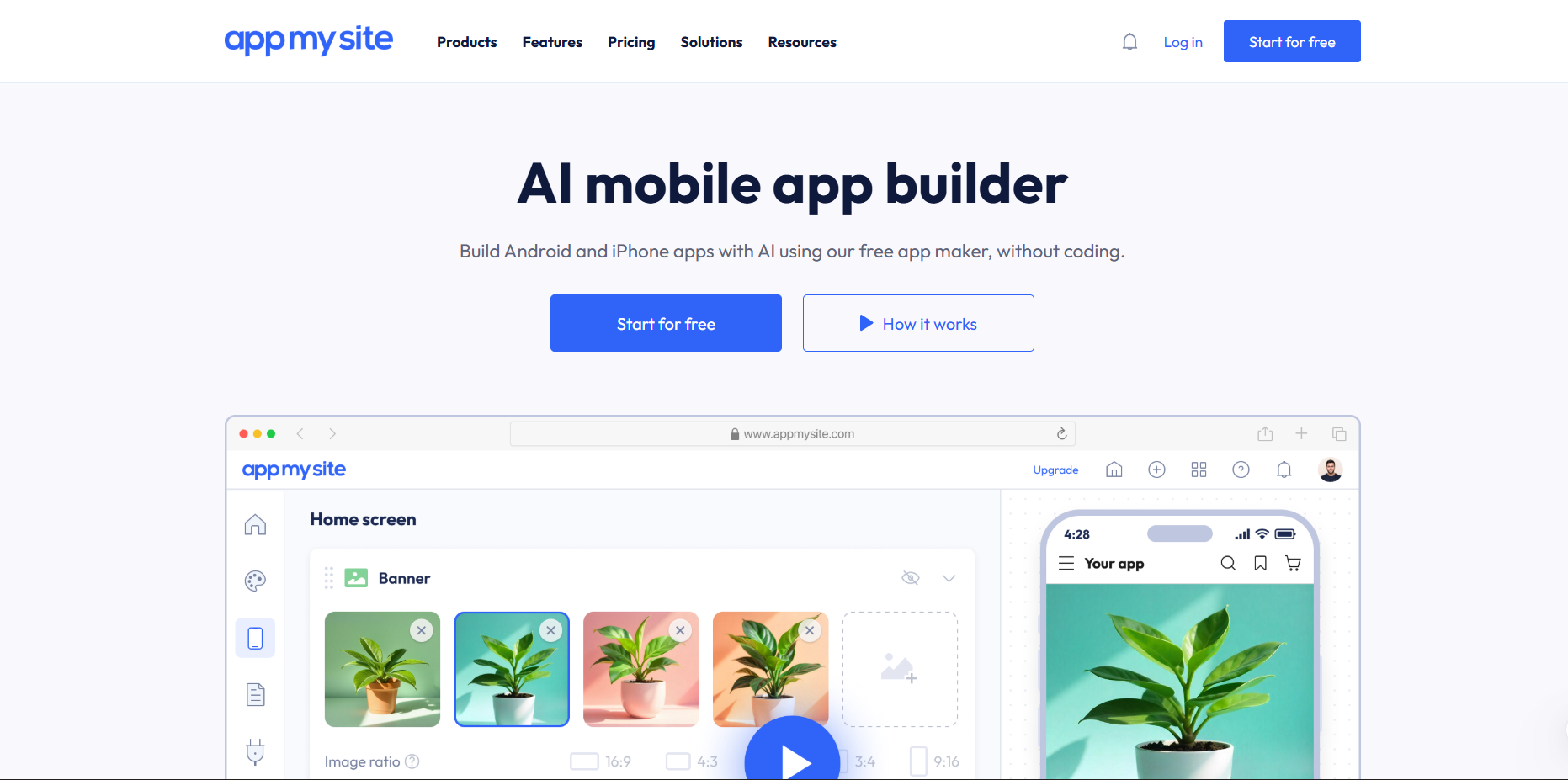
- Install and connect AppMySite to your WordPress site.
- Customize app design —logos, color themes, and navigation.
- Sync your site content using the API key generated.
- Preview the app in real-time using the AppMySite dashboard.
- Download and publish to Google Play and Apple App Store.
This approach is quick, user-friendly, and ideal for bloggers, news sites, or small eCommerce stores.
Method 2 – Using No-Code App Builders
If you want more control over design and functionality, try no-code platforms like:
These platforms let you connect your WordPress site via RSS feeds or APIs and build apps visually—no programming required.
Method 3 – Hiring a Developer for Custom App Development
If your website handles complex data or requires advanced integrations (like WooCommerce or membership portals), a custom-built app is your best choice. Hire a WordPress developer to create a native app that syncs with your WordPress database via REST API.
Why is integrating app features important for a better user experience after the app is built?
Integrating app features after initial deployment is critical because a static mobile wrapper offers little value over visiting a mobile website in a browser. Interactive, mobile-native features bridge the gap between passive browsing and active user engagement.
1. Increases User Retention & Re-Engagement
- Push Notifications: Direct alerts deliver personalized messages, breaking news, sales alerts, and updates directly to a user’s lock screen. Push notifications drive repeat traffic significantly better than email campaigns, which often get buried in inboxes.
- In-App Messaging & Badges: Subtle cues within the app keep users updated on new content, order updates, or community notifications without feeling intrusive.
2. Enables Accessibility Anywhere (Offline Capabilities)
- Local Storage & Caching: Caching articles, media, or product catalogs locally lets users access content in areas with poor cellular service (like subways or airplanes), keeping them reliant on your app regardless of connectivity.
3. Personalizes the User Experience
- Biometric & Fast Authentication: Integrating Face ID/Touch ID or persistent token logins (via REST API / JWT) allows instant access without requiring users to type credentials repeatedly.
- Preferences & Saved Content: Seamless integration with user accounts allows readers to bookmark posts, build wishlist collections, or maintain shopping cart states synced between web and mobile devices.
4. Simplifies Conversions & Monetization
- Native Payment Gateways: Integrating native mobile checkout options (like Apple Pay or Google Pay) removes friction during checkout by eliminating the need to enter credit card details manually.
- Hardware Integration: Leveraging native hardware (such as cameras for scanning QR codes/barcodes or GPS for location-based deals) creates richer interactive experiences impossible on a desktop web browser.
Once your app is built, it’s time to enhance user engagement. A simple static app isn’t enough—you need smart, interactive features that keep users coming back.
Push Notifications, Offline Access, and User Login
- Push Notifications: These help drive engagement by notifying users about new posts, discounts, or updates in real-time. Most app builders integrate easily with Firebase or OneSignal for this feature.
- Offline Access: Essential for blogs and news sites. This allows users to read saved content even without internet connectivity.
- User Login: Sync your app’s login system with WordPress using REST API or plugins like JWT Authentication. This enables users to access exclusive content, profiles, or shopping carts directly within the app.
Social Media and Payment Gateway Integration
For e-commerce WordPress sites, integration with payment gateways like PayPal, Stripe, or Razorpay is crucial. Similarly, connect your app with your social media platforms for seamless sharing and better reach.
These small integrations create a powerful ecosystem that mirrors your website’s full potential—only faster and more mobile-friendly.
Testing and Publishing Your App
You’ve built your app—but before it goes live, thorough testing is essential to ensure a bug-free experience.
How to Test App Performance
Use platforms like:
Run tests for:
- Navigation & speed
- Compatibility on different devices
- Push notifications & login functionality
- Offline behavior
Fix any UI inconsistencies or errors before submission.
Publishing to Google Play and Apple App Store
Once testing is complete:
- Generate signed app builds (APK or AAB) using your app builder or Xcode/Android Studio.
- Create developer accounts on Google Play Console and Apple Developer.
- Prepare your app listing – write an engaging title, keyword-rich description, and upload screenshots.
- Submit for review.
- Once approved, your app will be live and ready to download! 🎉
Pro Tip: Keep your app updated regularly to maintain compatibility and performance.
SEO and Marketing for Your New App
Building your app is just the start—now you need to get it in front of people.
ASO (App Store Optimization)
ASO is like SEO but for apps. To make your app discoverable:
- Use keywords in your app title and description.
- Add eye-catching screenshots and preview videos.
- Collect positive reviews from users.
Use tools like AppTweak or SensorTower to track your app’s ranking and performance.
Promoting Your App to Existing Users
Encourage your current website visitors to download the app using user experience design principles.
- Pop-ups and banners on your website
- Email campaigns for subscribers
- Social media ads showcasing app benefits
- Exclusive in-app offers to increase adoption
Don’t forget to add a prominent “Download Our App” button to your homepage and menu.
Common Mistakes to Avoid When Converting WordPress to an App
- Ignoring UI/UX optimization – A poor design kills engagement.
- Not testing across devices – Bugs on certain screens can lead to uninstallations.
- Overloading with features – Keep it simple and user-focused.
- Skipping ASO – Even the best app fails if no one finds it.
- Neglecting security – Always use HTTPS and secure login systems.
Avoiding these mistakes ensures your app performs seamlessly and maintains your brand’s reputation.
FAQs About How to Convert a WordPress Website into an App
Conclusion – Turning Your WordPress Site into an App is Easier Than You Think
Converting your WordPress website into an app used to be a complex process reserved for developers—but not anymore. With modern app builders, PWAs, and no-code platforms, anyone can transform their site into a sleek mobile app in hours.
Doing so boosts engagement, improves retention, and opens new growth channels for your brand. Whether you’re running a blog, business, or eCommerce site, going mobile is the smartest step forward.
So, stop wondering how to convert a WordPress website into an app—and start doing it today!
🔗 Recommended Resource:
Check out AppMySite Official Site – a reliable platform to convert your WordPress website into a professional app without coding.
About the Author

Brian Keary
Founder & Lead Developer
Brian is the founder of BKThemes with over 20 years of experience in web development. He specializes in WordPress, Shopify, and SEO optimization. A proud alumnus of the University of Wisconsin-Green Bay, Brian has been creating exceptional digital solutions since 2003.
Expertise
Writing since 2003