What is Understanding the Importance of Image Optimization?
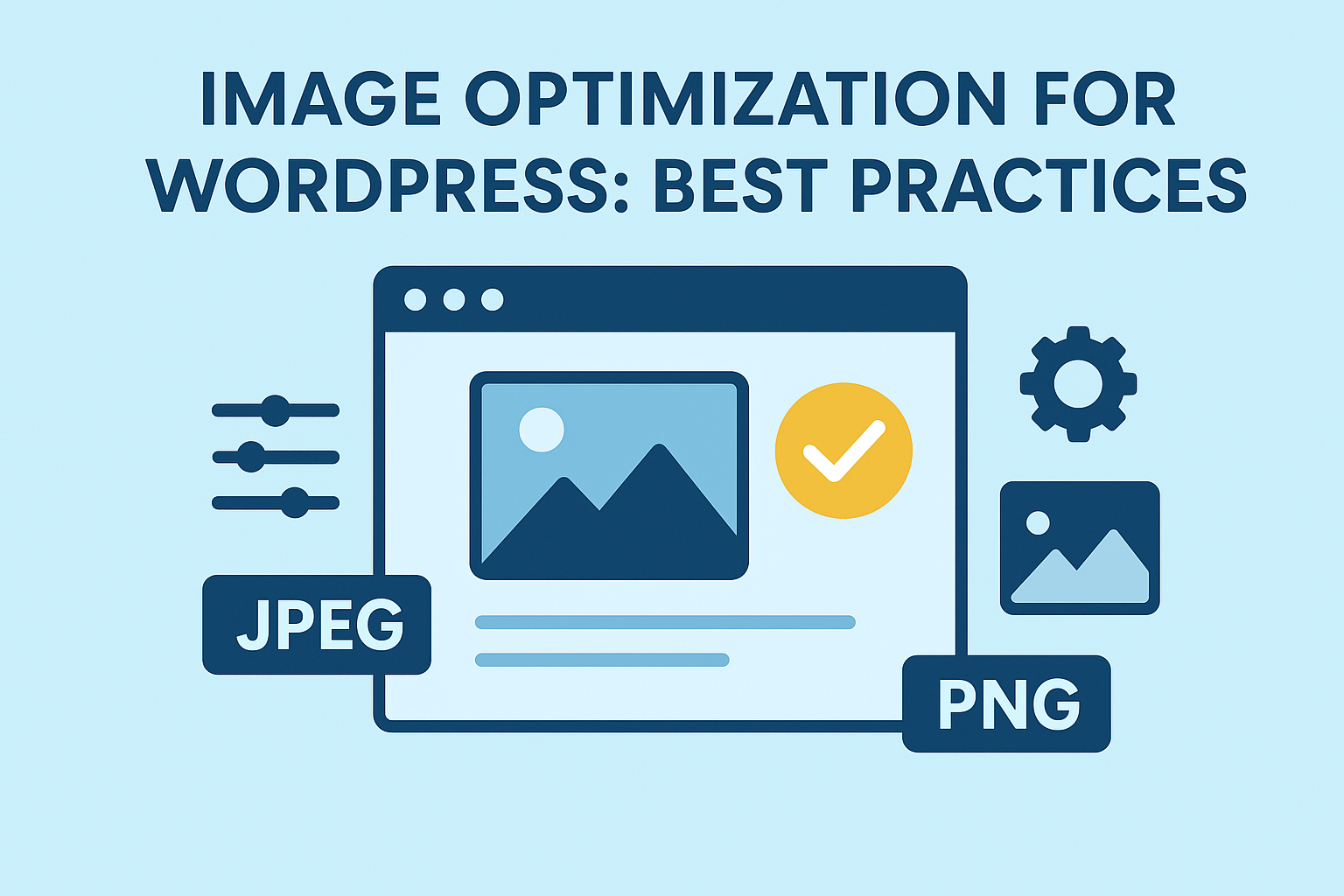
When building a website, images play a huge role in making your content visually appealing. But if your images aren't optimized, they can slow down your site, hurt your SEO, and drive visitors away. That’s why learning Image Optimization for WordPress: Best Practices matters more than ever.
If you need help implementing these optimizations quickly, our Speed Me Up service can handle the performance side for you.
For more foundational tips on maximizing visual traffic, you can review the Pinckney Harmon SEO Image Optimization Guide.
How Image Load Speed Impacts SEO
Search engines love fast websites. If your images weigh your site down, Google notices and may rank you lower. Slow loading times increase bounce rates, making search engines think your content is not valuable. Image optimization helps you fix all of this while improving your overall SEO.
What is User Experience Benefits of Faster Images?
Users expect pages to load in under 3 seconds. If your images take too long, visitors might exit before they even read your content. Optimized images create a smooth, fast, and enjoyable browsing experience. When users stay longer, your SEO naturally improves.
What is Key Principles of Image Optimization in WordPress?
Image optimization in WordPress reduces file sizes while preserving visual quality. Key principles include choosing modern formats like WebP or JPEG, resizing dimensions to match layout limits, applying lossy or lossless compression, implementing lazy loading, specifying explicit width/height attributes, and using descriptive filenames with alt text.
What is Choosing the Right File Types?
Picking the right image format can greatly affect file size and clarity.
JPEG vs PNG vs GIF
- JPEG: Best for photos with many colors. Smaller size, faster load speed.
- PNG: Great for transparent images or graphics. Sharper but heavier.
- GIF: Limited color range; ideal for simple animations.
Understand Image File Formats.
When to Use WebP and AVIF
Modern formats like WebP and AVIF offer excellent quality at smaller sizes. Many browsers support them, and WordPress allows easy integration through plugins.
What is Compressing Images Without Losing Quality?
Compressing images without losing quality refers to lossless compression, a process that shrinks file sizes by removing unnecessary technical data and metadata without altering a single pixel of the actual image. The resulting image looks completely identical to the original file, but takes up less storage space and loads much faster.
Lossy vs Lossless Compression
- Lossy: Removes some data; smaller sizes; great for photos.
- Lossless: Keeps all data; bigger size; ideal for graphics.
Ideal Compression Ratios
Aim for 60–80% compression. This keeps your images sharp while reducing load time significantly.
What is Best Tools and Plugins for WordPress Image Optimization?
Many plugins automate optimization and make your workflow smoother.
Smush
Smush compresses, lazy loads, and optimizes images automatically. It’s easy for beginners.
ShortPixel
ShortPixel offers advanced compression settings and supports next-gen formats like WebP.
Imagify
Imagify is perfect for users who want a simple interface with powerful optimization.
Optimole
Optimole uses cloud-based compression for real-time image optimization, making it great for large sites.
What are the Best Practices for Image Optimization for WordPress?
Image optimization in WordPress should never be overlooked. There are ways to optimize those images. Some of the best practices for image optimization include:
1. Resize Images Before Uploading
Don’t upload a 5000px image if your theme displays it at 1200px. Resize it beforehand to save space.
To learn more about proper image optimization techniques check out Visual Authority: The 2026 Strategy for High-DA Image SEO.
2. Use Lazy Loading for Faster Pages
Lazy loading shows images only when users scroll to them, reducing initial load time.
3. Optimize Image Alt Text for SEO
Alt text helps search engines understand your image. Keep it descriptive and keyword-focused.
4. Enable a Content Delivery Network (CDN)
A CDN stores images across multiple servers worldwide, ensuring faster delivery to visitors.
5. Use Responsive Images with 'srcset'
The srcset attribute is an HTML feature used on <img> and <source> tags to provide multiple image file options. It lets web browsers pick the best image size or resolution based on the user's screen size and pixel density, which saves data and speeds up page loading.
How It Works
- List different image files separated by commas.
- Add a width descriptor using a w unit (like 480w) to tell the browser the real width of the image.
- Add a pixel density descriptor using an x unit (like 2x) for high-definition screens.
- Always keep a standard src attribute as a backup for older browsers
Example code:
<img src="small.jpg"
     srcset="small.jpg 480w, medium.jpg 800w, large.jpg 1200w"
     alt="An example image">
WordPress automatically creates multiple image sizes. Srcset ensures the right version loads for each device.
Advanced Optimization Techniques
Image optimization is not something to be avoided. It just requires a little forethought. Some advanced techniques to use are:
Using Next-Gen Formats Like WebP
WebP delivers top-quality images at much smaller sizes. Many WordPress plugins now convert images automatically.
Implementing Image Caching
Caching stores a temporary copy of your images, speeding up repeat visits.
Automating Optimization Through Plugins
Set your plugins to compress, resize, and convert images automatically when uploaded. This saves time and ensures consistent performance.
Common Mistakes to Avoid in WordPress Image Optimization
Mistakes can always happen when optimizing images. Some of those to look out for would be:
Uploading Full-Size Images
Large image files slow down your site dramatically. Resize before uploading.
Over-Compression Issues
Too much compression can ruin image clarity, making your site look unprofessional.
Neglecting Mobile Optimization
Mobile users expect fast load speeds. Ensure your images are responsive and lightweight.
FAQs About Image Optimization for WordPress
Conclusion
Mastering Image Optimization for WordPress: Best Practices is essential for building a fast, SEO-friendly, and user-focused website. By choosing the right file types, compressing images, using smart plugins, and avoiding common mistakes, you’ll dramatically improve your site’s performance.
If you want help applying these improvements without trial and error, our WordPress expert services can help with performance tuning, image optimization, and ongoing site cleanup.
For more insights on web performance, consider checking external resources like Google’s PageSpeed Insights to monitor your site’s speed.
About the Author

Brian Keary
Founder & Lead Developer
Brian is the founder of BKThemes with over 20 years of experience in web development. He specializes in WordPress, Shopify, and SEO optimization. A proud alumnus of the University of Wisconsin-Green Bay, Brian has been creating exceptional digital solutions since 2003.
Expertise
Writing since 2003