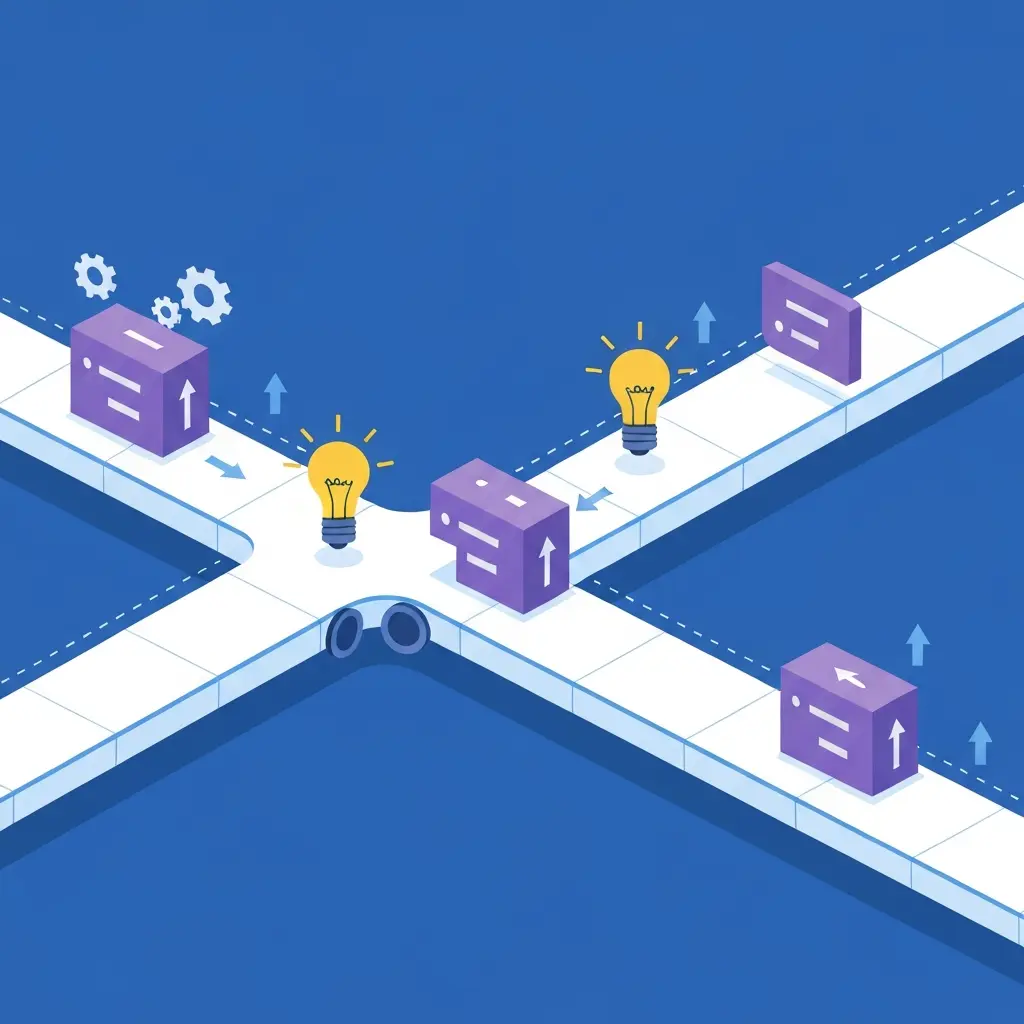
Did you know that a staggering 63% of the web runs on WordPress as of 2026? WordPress market share in 2026. This incredible market share is fueled by its flexibility, and at the heart of that flexibility lie WordPress hooks. Think of hooks as the secret sauce, the hidden pathways that allow developers to inject custom code, modify existing functionality, and truly make a WordPress site their own without touching the core files.
For creators coming from a pure JavaScript or UI background, learning this architecture is one of the most profitable moves you can make. If you are still weighing how these technical skills translate to your broader career, check out our comprehensive guide on whether WordPress for front-end devs is worth mastering in the current market.
This article will demystify these powerful tools, focusing on actions and filters, and how you can leverage them.
What Are WordPress Hooks?
At their core, WordPress hooks are simply points in the WordPress execution flow where developers can "hook into" and run their custom code. WordPress is a massive, complex system, and it's designed to be extensible. Instead of forcing developers to hack away at the core code (a nightmare for updates!), it provides these designated spots.
There are two primary types of hooks: actions and filters. Understanding the difference is crucial for effective WordPress development.
Action Hooks: Doing Things at Specific Times
Action hooks allow you to do something at a particular moment during WordPress's execution. Imagine the WordPress process as a busy kitchen preparing a meal. An action hook is like a specific instruction: "When the soup is ready, add the parsley." You're not changing the soup itself, but you're performing an additional task when a certain event occurs.
WordPress has thousands of action hooks, covering everything from when a post is saved (save_post) to when the header is displayed (wp_head). When you want to add a piece of functionality – perhaps sending an email notification when a new user registers or inserting a custom script into the head of your site – you'll typically use an action hook.
The magic happens with the add_action() function. Its basic syntax looks like this:
add_action( 'hook_name', 'your_function_name', $priority, $accepted_args );
hook_name: This is the specific point in WordPress where you want your function to run (e.g., 'init', 'wp_footer').your_function_name: This is the name of the PHP function you've created that will contain your custom code.$priority(optional): This dictates the order in which functions hooked to the same action run. Lower numbers run earlier. The default is 10. If you want your function to run before others, use a lower number; if you want it to run after, use a higher number. This is vital for ensuring your code executes in the correct sequence. For instance, if you need to modify a setting that another plugin adds via an action, you'll need to hook in with a higher priority.$accepted_args(optional): This specifies how many arguments your function should accept from the hook. The default is 1.
Passing Multiple Arguments with Actions
Some action hooks pass multiple pieces of data to the functions hooked into them. For example, the save_post action can pass the post ID, the post object itself, and whether the post was published for the first time. To access these, you need to correctly set the $accepted_args parameter in add_action() and then accept them in your callback function. Consider this example:
// In your theme's functions.php or a custom plugin

function my_custom_save_post_logic( $post_id, $post, $update ) {
// Your logic here, using $post_id, $post, and $update
    if ( $update ) {
error_log( "Post {$post_id} was updated." );
} else {
error_log( "Post {$post_id} was newly created." );
}
} // Hook into 'save_post', accepting 3 arguments
add_action( 'save_post', 'my_custom_save_post_logic', 10, 3 );
By setting the fourth parameter to 3, we tell WordPress to pass three arguments to my_custom_save_post_logic.
Filter Hooks: Modifying Data
Filter hooks, on the other hand, are designed to modify data as it passes through WordPress. Going back to our kitchen analogy, a filter hook is like saying, "Before you serve the soup, add a pinch of salt." You're taking the existing soup and changing it.
Filters allow you to alter content, change settings, or manipulate data before it's displayed or processed. For example, you might want to add a class to every image tag in your posts, modify the excerpt length, or change the price of a product in an e-commerce setup.
The function used here is add_filter(), which shares a similar structure to add_action():
add_filter( 'hook_name', 'your_function_name', $priority, $accepted_args );
The key difference is that filter functions must return the modified data. If your filter function doesn't return anything, it will effectively nullify the data it was supposed to modify.
// Example: Modify post title function add_prefix_to_title( $title )

{
// Only modify if it's not in the admin area to avoid issues

if ( !is_admin() ) {
return "My Awesome Site: " . $title;
 }
 return $title; // Return original title in admin
}
add_filter( 'the_title', 'add_prefix_to_title' );
In this example, add_prefix_to_title receives the original post title, prepends our custom text, and returns the modified title. WordPress then uses this returned value instead of the original.
Finding Core WordPress Hooks
Locating the right hook can sometimes feel like searching for a needle in a haystack. Fortunately, there are effective methods:
- WordPress Code Reference: The official WordPress Code Reference is an invaluable resource. You can search for functions or keywords related to the functionality you want to modify, and often the documentation will list the hooks associated with them.
- Plugin/Theme Code: If you're trying to hook into a specific plugin or theme's functionality, examine its code. Look for instances of
do_action()(for actions) andapply_filters()(for filters). These are the functions that trigger the hooks. See WordPress Developer Reference: add_action() - Code Editors with Search Capabilities: A good code editor (like VS Code, Sublime Text, or PhpStorm) with powerful search features is your best friend. You can search your entire WordPress installation (or specific theme/plugin files) for
do_actionandapply_filters. This will show you all the hooks available within that codebase. You can then analyze the context to understand what data is passed and when the hook fires. For example, searching fordo_action('save_post')will reveal all the places where the save_post action is triggered.
Passing PHP Data to JavaScript via AJAX and wp_enqueue_script
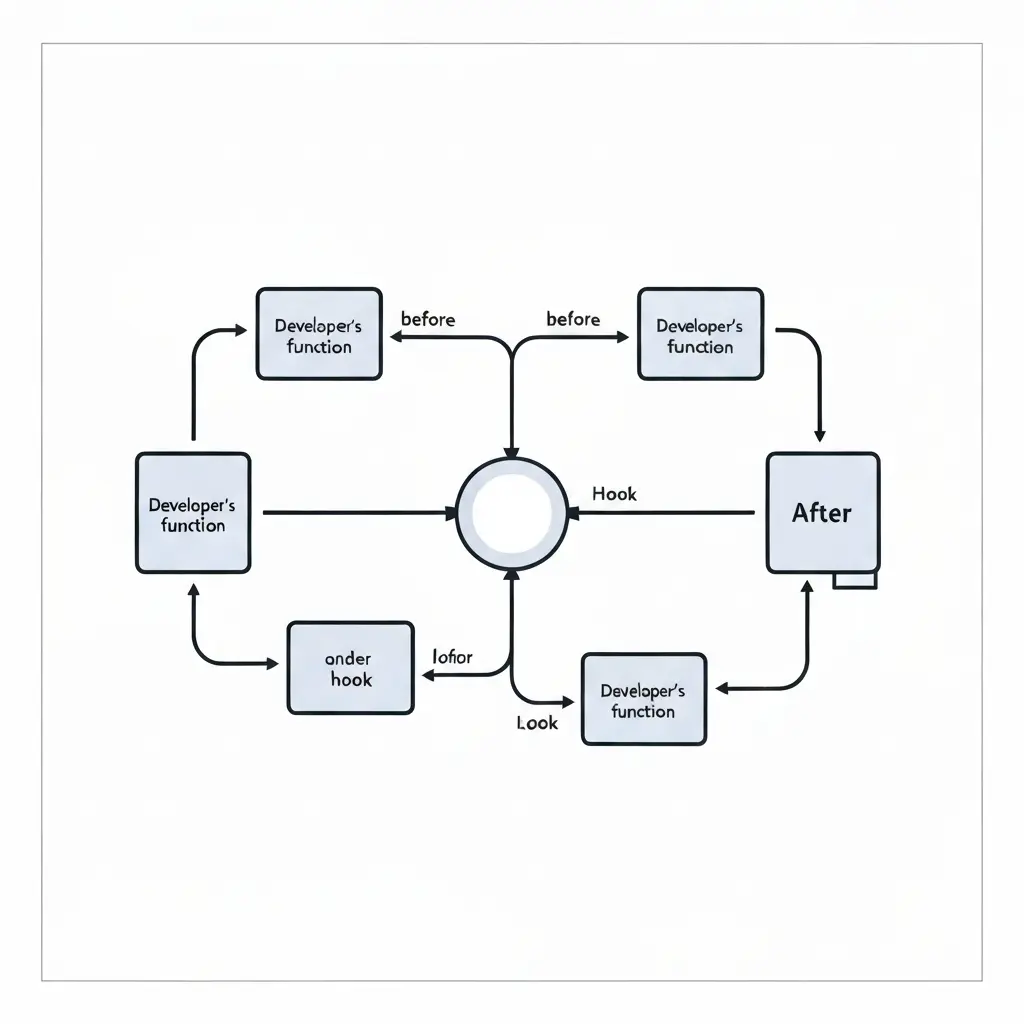
A common requirement is to pass dynamic data from your PHP backend (like user information, post meta, or settings) to your JavaScript frontend. The standard way to load scripts in WordPress is using wp_enqueue_script, but to make it dynamic, we often combine it with AJAX. Here's a deep dive: First, you need to enqueue your JavaScript file and then use wp_localize_script to pass PHP data. wp_localize_script is a handy WordPress function specifically designed for this purpose. It takes an existing enqueued script handle and associates an array of data with it, making that data available to your JavaScript as a JavaScript object.
// In your theme's functions.php or a custom plugin
// 1. Enqueue your JavaScript file

function my_custom_scripts() {
// Enqueue the script

wp_enqueue_script('my-custom-js', get_template_directory_uri() . '/js/[custom-script.js](http://custom-script.js)', array('jquery'), '1.0', true);

// 2. Prepare your PHP data

$php_data_array = array('ajax_url' => admin_url( 'admin-ajax.php' ), 'nonce' => wp_create_nonce( 'my_ajax_nonce' ), 'user_id' => get_current_user_id(), 'some_post_meta' => get_post_meta( get_the_ID(), '_my_meta_key', true ));

// 3. Localize the script with the PHP data

wp_localize_script(
'my-custom-js', 'bkPluginData', $php_data_array
);
}
add_action( 'wp_enqueue_scripts', 'my_custom_scripts' );
With this in place, you can safely access your backend PHP data directly inside your custom-script.js file using standard JavaScript syntax:
// Inside custom-script.js

jQuery(document).ready(function($) {
    console.log(bkPluginData.ajax_url);
    console.log(bkPluginData.user_id);
});
Using hooks like wp_enqueue_scripts paired with wp_localize_script ensures your plugin loads assets conditionally, efficiently, and with full data portability without breaking core code.
See our WordPress Security complete guide to learn how to secure your website.
Frequently Asked Questions
What is the main difference between an action hook and a filter hook?
Actions execute code at specific points during execution to perform tasks (like sending an email or enqueuing a script). Filters take data, modify or manipulate it, and return the modified data back to WordPress.
Why should I use WordPress hooks instead of modifying core files?
Editing core WordPress files will cause your changes to be overwritten and lost during the next core update. Hooks allow you to safely extend and customize site functionality without altering core code.
What does priority do in add_action() and add_filter()?
Priority determines the order in which functions attached to the same hook are executed. Functions with lower numbers run earlier, while higher numbers run later (the default priority is 10).
Why is my filter hook not making any changes to my content?
Filter functions must always return the value they modify. If a filter function omits the return statement, the original data will be lost or return as empty.
How do I find available hooks in core WordPress, themes, or plugins?
You can search the official WordPress Code Reference, inspect theme/plugin source code for do_action() and apply_filters(), or search your codebase using a code editor like VS Code.
How do I safely pass PHP backend data to frontend JavaScript in WordPress?
The standard approach is to register and enqueue your JavaScript file using wp_enqueue_script(), then use wp_localize_script() to expose your PHP array as an accessible JavaScript object.
Mastering Hooks is Just the Beginning
Understanding the distinction between actions (doing things) and filters (changing things) is the single biggest milestone in a developer's journey. By working with the WordPress lifecycle rather than hacking core files, you ensure your code remains secure, scalable, and compatible with future updates.
However, hooks are just one piece of the puzzle. To turn this programmatic knowledge into a fully functional, distributable product, you need to set up the proper file architecture, define plugin headers, and build secure settings panels.
If you're ready to take the next step and build a complete codebase, check out our comprehensive blueprint on how to make a WordPress plugin.
Need a complex feature built yesterday? If you are hitting a wall with complex hook priorities, AJAX debugging, or database scaling, let a professional handle the heavy lifting. Get in touch with a verified WordPress expert today to bring your custom plugin or theme blueprint to life.
About the Author

Brian Keary
Founder & Lead Developer
Brian is the founder of BKThemes with over 20 years of experience in web development. He specializes in WordPress, Shopify, and SEO optimization. A proud alumnus of the University of Wisconsin-Green Bay, Brian has been creating exceptional digital solutions since 2003.
Expertise
Writing since 2003