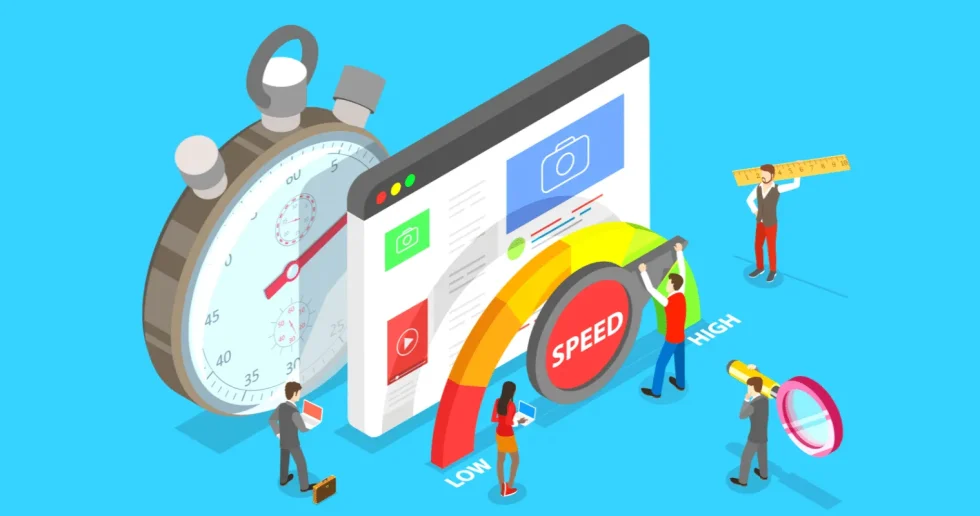
Did you know that a mere one-second delay in page load time can lead to a 7% reduction in conversions? That's a hefty chunk of potential revenue vanishing into the digital ether! For me, this statistic was a wake-up call. My Shopify store, while full of great products, was sluggish. It felt like wading through treacle online. Customers were abandoning carts, bounce rates were climbing, and my search engine rankings were… well, let’s just say they weren't doing a jig. This is the story of my quest to transform my digital storefront from a slowpoke into a speed demon, and why speed should absolutely be your top priority too.
If you want to shortcut the trial-and-error phase, our Speed Me Up service can fast-track performance gains.
My Initial Struggles: The Slow Burn of a Sluggish Site
When I first launched my Shopify store, I was so focused on product photography, descriptions, and marketing campaigns that I completely overlooked the foundational element: website speed. My pages took an eternity to load, especially on mobile devices, which is where the majority of my traffic was coming from. It was frustrating, not just for my potential customers, but for me too. I'd watch the little loading icon spin and spin, feeling my stomach churn with every passing second. This slow burn was gradually eroding my business. I remember one particularly disheartening afternoon when I saw a significant drop in daily sales, correlating directly with a minor update I’d made that inadvertently bloated my site. It became painfully clear that a slow website isn't just an inconvenience; it's a direct barrier to sales and a serious detriment to customer experience.
The "Aha!" Moment: Realizing Speed is King
The turning point came during a deep dive into my analytics. The data was stark. High bounce rates, low time on site, and a dismal conversion rate. I was spending a fortune on ads, driving traffic to a site that was actively repelling visitors. It felt like pouring water into a leaky bucket. I started researching what could be causing this, and the answer kept staring me in the face: website speed. I devoured articles and watched tutorials, and one phrase kept echoing: "Why Speed Should Be Your Top Priority". It wasn't just about making things look pretty; it was about making them work efficiently. This realization was liberating. It gave me a clear, actionable goal. I shifted my focus entirely from minor tweaks to a full-scale speed optimization overhaul.
Shopify growth support
Need help turning your Shopify store into a faster-selling machine?
This post is in Shopify, so here’s the most relevant next step if you want help applying it.
We help merchants improve store speed, custom functionality, theme quality, and conversion flow without turning the backend into spaghetti.
- Custom Liquid, theme, and app integration work
- Store optimization for speed, UX, and conversions
- Ongoing support for growth-stage Shopify brands
Who This Journey is For
This narrative is for any Shopify store owner who suspects their website is slower than a sloth on a Sunday. If you're seeing high bounce rates, low conversion numbers, or if your customers have ever hinted at your site being "a bit slow," then this is for you. It's for the entrepreneur who pours their heart and soul into their products and marketing but is being held back by technical limitations. If you're feeling overwhelmed by the technical side of e-commerce and aren't sure where to start with optimization, consider this your friendly guide. This journey is also for those who are already seeing some success but know they could be doing so much better. Imagine taking your already good sales and giving them a significant boost – that’s the power of a fast site.
Who This Journey is NOT For
Conversely, if your Shopify store is already blazing fast, consistently achieving top scores on speed tests, and boasting stellar conversion rates, this specific journey might not offer groundbreaking new insights. If you're not concerned about user experience or the tangible benefits of site speed, then perhaps this focus isn't aligned with your current business goals. This isn't for someone looking for a magic bullet that bypasses fundamental optimization efforts. Building a fast store requires dedication and a willingness to make changes, so if you're seeking instant, effortless results without any effort, you might find this process challenging.
My Speed Optimization Toolkit: The Hacks That Worked
I experimented with various strategies, and some were more impactful than others. Here’s what made the biggest difference for me.
Image Optimization: The Low-Hanging Fruit
Images are crucial for online stores, but unoptimized images are speed killers. I learned about 5 Image Optimization Techniques to Speed Up Your Shopify Store. This involved compressing images without sacrificing quality, using the right file formats (like WebP), and ensuring images were appropriately sized for their display dimensions. I replaced massive JPEGs with smaller, efficient files. It felt like shedding unnecessary weight from my site.
App Audit: Less is More
Shopify apps are fantastic, but too many, or poorly coded ones, can cripple your site’s performance. I conducted a rigorous audit of my installed apps. I asked myself: "Do I really need this?" and "Is there a lighter alternative?" I uninstalled anything I wasn't actively using or that seemed to be slowing things down. This was a tough but necessary decluttering process. I found some apps were beautiful but computationally expensive, like a fancy chandelier in a tiny room – it just weighed the space down.
Theme Selection and Customization
My initial theme was visually appealing but built with a lot of unnecessary code. I researched themes known for their speed and lightweight architecture. When choosing or customizing a theme, I prioritized clean code and minimal features that I didn't absolutely need. Sometimes, simpler is indeed better. I learned that a well-coded, minimalist theme can be far more effective than a feature-packed behemoth.
Lazy Loading: Showing Content When It's Needed
Lazy loading defers the loading of images and other media until they are actually visible in the user's viewport. This dramatically speeds up the initial page load. Instead of the browser trying to download everything at once, it only pulls what’s immediately necessary. It’s like a chef only preparing the dishes that customers have ordered, rather than cooking the entire menu upfront.
Content Delivery Network (CDN)
A CDN stores cached versions of your website's content on servers located geographically closer to your visitors. This reduces the distance data has to travel, leading to faster loading times. It’s like having local distribution centers for your digital goods.
JavaScript and CSS Minification
Minification is the process of removing unnecessary characters from code (like whitespace and comments) without affecting its functionality. This results in smaller file sizes, which load faster. It's like editing a document to remove all the redundant words and phrases, making it more concise and easier to read.
Measuring the Impact: From Sluggish to Speedy
The results were, frankly, astonishing. Before optimization, my average page load time was hovering around 6-8 seconds. After implementing these changes, it plummeted to under 2 seconds. Mobile load times saw an even more dramatic improvement. My Google PageSpeed Insights scores went from a dismal red to a satisfying green.
But the real proof was in the pudding:
- Conversion Rate: Increased by a staggering 25%. More visitors were completing purchases.
- Bounce Rate: Decreased by 30%. People were staying on my site longer, exploring more products.
- Average Session Duration: Went up by 40%. Customers were engaging more deeply with my content.
- Search Engine Rankings: Slowly but surely, my visibility improved. Google, it seems, does reward speed. This aligns with the principles discussed in "Speed Wins How To Optimize Your Shopify Store For Lightning Fast Speed".
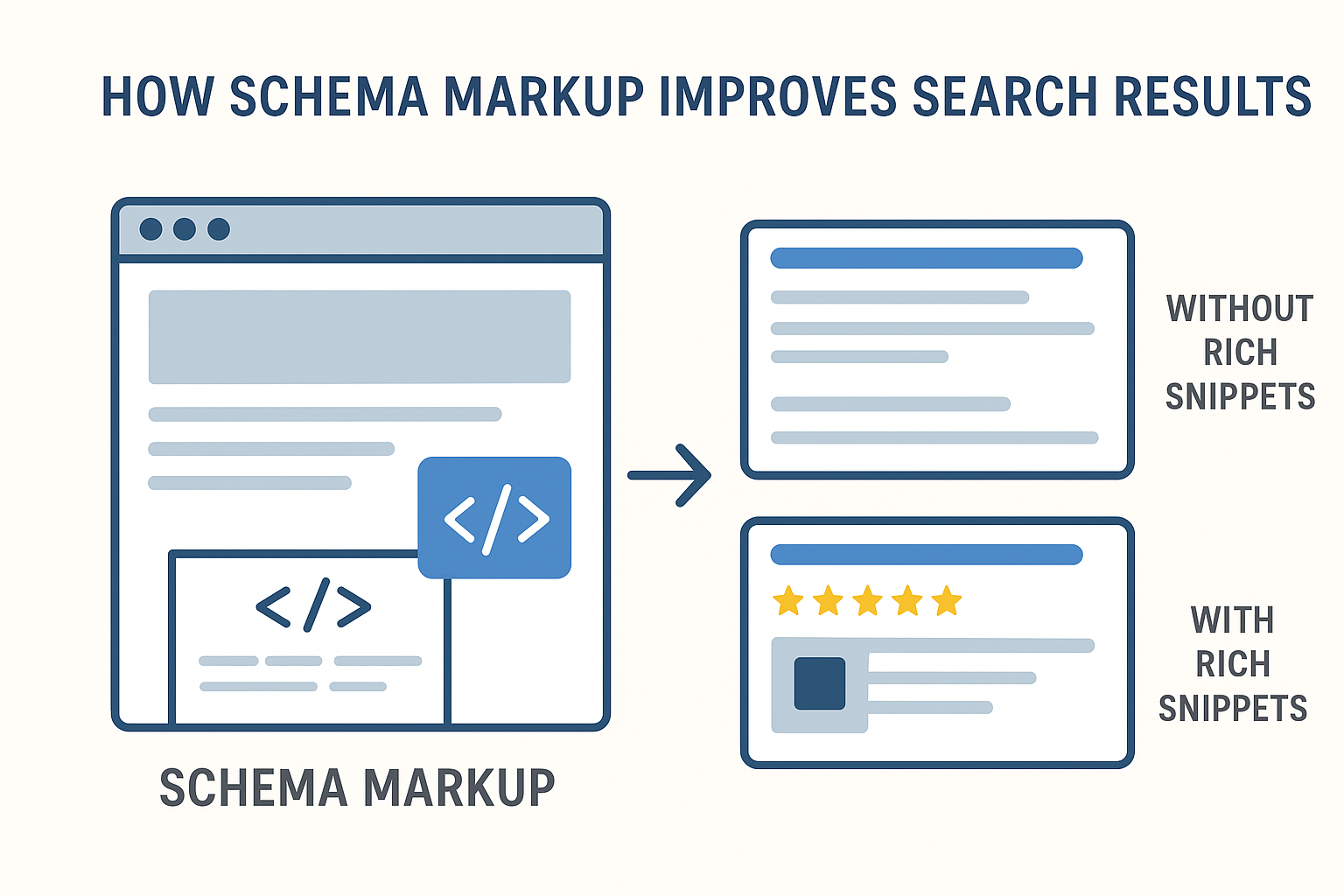
This transformation wasn't just about numbers; it was about a fundamentally better user experience. My customers were happier, and that translated directly into a healthier bottom line. I even found that implementing proper schema markup, as detailed in "10 Proven Ways to Use Shopify Schema Markup to Skyrocket Your Store’s Search Visibility", complemented these speed efforts by further enhancing search engine understanding of my content.
Comparison: Before and After Speed Optimization
| Metric | Before Optimization (Approx.) | After Optimization (Approx.) | Improvement |
|---|---|---|---|
| Avg. Page Load Time | 7 seconds | 1.8 seconds | ~74% faster |
| Mobile Load Time | 9 seconds | 2.5 seconds | ~72% faster |
| Conversion Rate | 1.5% | 1.875% | +25% increase |
| Bounce Rate | 55% | 38.5% | -30% decrease |
| Avg. Session Duration | 1:30 minutes | 2:06 minutes | +40% increase |
Note: These figures are based on my personal experience and may vary for different stores.
Mistakes to Avoid on Your Speed Journey
My journey wasn't without its stumbles. Here are a few pitfalls I encountered that you should steer clear of:
- Over-reliance on Apps: It's tempting to add every shiny new app, but each one adds code and potential bloat. Be ruthless in your app audits.
- Ignoring Mobile First: Most traffic comes from mobile. If your site is slow on a phone, you're losing the majority of your potential customers. Always test mobile performance rigorously.
- Sacrificing User Experience for Speed: While speed is paramount, don't strip your site bare of essential features or make it difficult to navigate in the pursuit of shaving off milliseconds. It's a balance.
- Not Regularly Monitoring Performance: Speed optimization isn't a one-time fix. New apps, product uploads, or theme updates can slow your site down again. Regular testing is crucial.
- Believing All Speed Tests Are Equal: Different tools measure speed in different ways. Use a combination (like Google PageSpeed Insights and GTmetrix) and understand their methodologies.
Actionable Checklist for a Faster Shopify Store
Ready to embark on your own speed optimization mission? Here’s a checklist to get you started:
Phase 1: Assessment & Audit
- Test your current site speed using tools like Google PageSpeed Insights and GTmetrix.
- Analyze your analytics for high bounce rates and low time on site, especially on mobile.
- Audit all installed Shopify apps. Identify and uninstall any non-essential or poorly performing ones.
- Review your theme. Is it lightweight? Does it have unnecessary features?
Phase 2: Optimization Implementation
- Optimize all product and lifestyle images: compress, resize, and use appropriate formats (e.g., WebP).
- Implement lazy loading for images and videos.
- Minify CSS and JavaScript files.
- Ensure your theme code is clean and efficient. Consider a speed-optimized theme if yours is a bottleneck.
- Leverage a Content Delivery Network (CDN).
- Consider disabling unnecessary theme features or app functionalities that slow down your site.
Phase 3: Monitoring & Maintenance
- Regularly re-test your site speed (weekly or bi-weekly).
- Monitor your analytics for changes in bounce rate, conversion rate, and session duration.
- Be cautious when adding new apps or making significant theme changes. Test speed impact immediately.
- Keep your Shopify platform and theme updated.
Key Takeaways
- Website speed directly impacts conversions, user experience, and search engine rankings.
- Image optimization is a critical and often easy win for improving load times.
- Regularly auditing and pruning your Shopify apps is essential for maintaining performance.
- Prioritize mobile speed, as it's where most of your traffic likely originates.
- Speed optimization is an ongoing process, not a one-time task.
Conclusion
My journey to a lightning-fast Shopify store was a revelation. What started as a technical hurdle transformed into a powerful growth lever. By prioritizing speed, I didn't just make my website faster; I made it more effective, more user-friendly, and ultimately, more profitable. If you’re looking for a way to boost your sales and improve customer satisfaction, look no further than the speed of your website. It might just be the most impactful change you can make. Remember, in the fast-paced world of e-commerce, speed isn't just a feature; it's a fundamental necessity. A faster store is a smarter store, and a smarter store is a more successful store. It's a principle I learned early in my e-commerce endeavors, and it remains true today: Why Speed Should Be Your Top Priority.
Frequently Asked Questions
What is the most important factor for Shopify store speed?
The most impactful factors for Shopify store speed often revolve around image optimization and app management. Unoptimized, large image files are a primary culprit for slow loading times, especially on visually rich e-commerce sites. Similarly, having too many apps, or poorly coded ones, can significantly bloat your site and hinder performance. Addressing these two areas usually yields the most substantial speed improvements.
How often should I test my Shopify store's speed?
You should aim to test your Shopify store's speed at least once a month, and more frequently after making significant changes. After launching new product pages with many images, installing a new app, or updating your theme, it's crucial to re-test immediately to ensure these changes haven't negatively impacted performance. Consistent monitoring helps catch performance degradation early.
Can I improve my store's speed without hiring a developer?
Absolutely! Many significant speed improvements can be achieved without professional help. Techniques like image compression, lazy loading implementation, app audits, and choosing a speed-optimized theme are all manageable for store owners. While complex code optimizations might require expertise, the foundational steps are often within reach for DIY efforts, as I discovered in my own powerful Shopify store my top five speed hacks.
What are the main benefits of a fast Shopify store beyond just user experience?
Beyond enhanced user experience, a fast Shopify store directly translates to higher conversion rates, improved SEO rankings, and reduced bounce rates. Search engines like Google increasingly prioritize site speed in their algorithms, meaning a faster site can lead to better visibility. Furthermore, customers are less likely to abandon a quick-loading site, directly boosting sales and customer loyalty.
Should I prioritize speed over design aesthetics?
It's not about choosing one over the other, but finding a harmonious balance. A beautiful store that loads slowly will still lose customers. Conversely, a blazing-fast store that looks unprofessional or is difficult to navigate won't convert well. The goal is to achieve a visually appealing design that is built on a technically sound and speedy foundation. Modern themes and optimization techniques allow for both stunning visuals and rapid performance.
What is a good PageSpeed Insights score for a Shopify store?
For a Shopify store, aiming for a score above 80 on Google PageSpeed Insights is generally considered good, with scores above 90 being excellent. While achieving a perfect 100 is challenging due to the nature of e-commerce platforms, focusing on improving your scores in the 70-90 range will significantly benefit your user experience and search engine performance. The key is consistent improvement and understanding the specific recommendations provided by the tool
📧 Want to Stay Updated?
Get the latest web development tips and insights delivered to your inbox.
🚀 What Services do you Offer?
About the Author

Brian Keary
Founder & Lead Developer
Brian is the founder of BKThemes with over 20 years of experience in web development. He specializes in WordPress, Shopify, and SEO optimization. A proud alumnus of the University of Wisconsin-Green Bay, Brian has been creating exceptional digital solutions since 2003.
Expertise
Writing since 2003