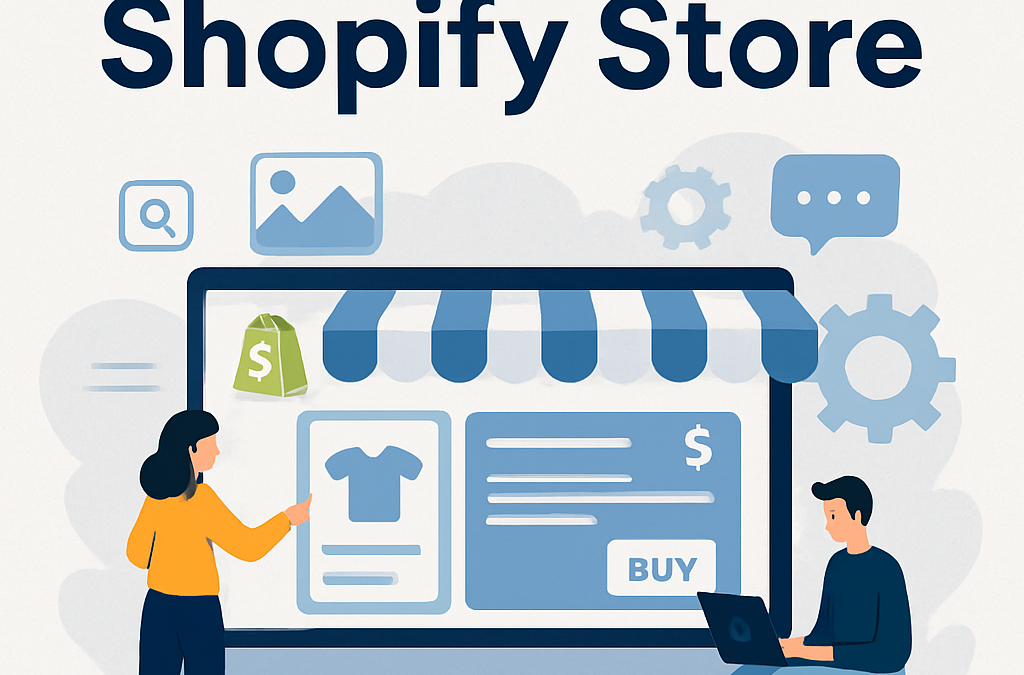
Building a Shopify store doesn't have to be overwhelming. Whether you choose to DIY your design or hire a professional to handle the technical heavy lifting, the goal is to create a seamless experience that turns visitors into loyal customers. With over 4 million businesses using the platform, it is clear that Shopify remains the top choice for entrepreneurs who want to grow their brand with reliability and speed.
Understanding The Shopify Pricing Model
Before you start designing, you need to choose the right plan for your business needs. Shopify offers three main tiers designed to grow alongside your venture. The Basic plan starts at 105/mo for more professional reporting features. For high-volume businesses aiming for revenue over 399/mo offers the best tools for complex operations.
Selecting the right plan is the first step in your store optimization journey. You want to ensure you have the features you need without overpaying for tools that don't serve your current business model.
Why A Custom Built Store Beats A Template
While many merchants start with pre-made themes, a custom built store offers distinct advantages for long-term growth. When you work with a team like BKThemes, you get a site tailored specifically to your brand identity. This approach ensures better scalability, allowing you to add products or features as your catalog grows up to 5,000 items and beyond.
A custom site also improves your conversion flow. By removing unnecessary elements and focusing on a user-friendly layout, you guide customers naturally from the product page to checkout. Templates can often feel cluttered, but a professional build is designed to keep the focus on the sale. If you decide to hire a developer, the typical turnaround time is 1 to 3 weeks, which is a small investment for a store that functions exactly the way you want it to.
Shopify growth support
Need help turning your Shopify store into a faster-selling machine?
This post is in Shopify, so here’s the most relevant next step if you want help applying it.
We help merchants improve store speed, custom functionality, theme quality, and conversion flow without turning the backend into spaghetti.
- Custom Liquid, theme, and app integration work
- Store optimization for speed, UX, and conversions
- Ongoing support for growth-stage Shopify brands
Mastering Mobile Commerce
Did you know that more than 70% of online sales are generated through mobile devices? If your store is not optimized for phones, you are leaving money on the table. A mobile-first design is no longer optional; it is the standard for modern e-commerce.
Common mistakes include using buttons that are too small to tap or images that take too long to load on cellular data. To fix this, always test your site on a real smartphone before you launch. You can learn more about how search engine optimization helps your store rank higher for mobile users by checking out official guides on web performance.
Essential Tools For Your Tech Stack
Your store is only as strong as the apps you integrate. However, be careful not to overload your site. Adding too many apps can slow down your load times, which hurts your Google search rankings. Instead, focus on these essential categories:
- Inventory Management: Use tools like Stocky or TradeGecko to keep your stock levels accurate across multiple channels.
- Email Marketing: Platforms like Klaviyo, Omnisend, or Mailchimp help you keep in touch with your audience.
- Customer Support: Live chat tools like Tidio or Gorgias can resolve customer questions in real-time.
- Security: Always enable two-factor authentication and use a backup service like Rewind to protect your data. Learn more about Shopify cybersecurity and how you can implement it.
By keeping your tech stack lean, you maintain a fast and responsive user interface that keeps shoppers happy.
Managing Your Business Model
Shopify is incredibly flexible, supporting everything from dropshipping with Oberlo to managing your own inventory via ShipBob or Amazon FBA. Whether you sell digital products, print-on-demand goods, or physical inventory, the platform adapts to your needs.
For many entrepreneurs, the goal is to create a brand that stands out on social media. You can easily link your store to Facebook, Instagram, and TikTok to reach new customers. If you are running paid traffic, ensure your Google Ads account is set up to track conversions properly so you know exactly which campaigns are driving revenue.
Maintaining Your Store For Long-Term Success
Launching your store is just the beginning of the e-commerce solutions. Successful store maintenance requires a routine to ensure everything stays in top shape. We recommend performing a weekly inventory check to ensure your product counts are correct. Additionally, perform a monthly speed check to ensure your images and scripts aren't slowing down your site.
Regular maintenance prevents technical issues from snowballing. If you notice a dip in traffic or sales, check your analytics to see if a recent app update or design change caused the issue. Keeping your store clean and functional is the best way to ensure consistent growth.
## What are the main Shopify pricing tiers?
Shopify offers three main tiers: Basic at 105/mo, and Advanced at $399/mo. These plans are designed to accommodate businesses of all sizes, from new startups to high-volume retailers.
## Why should I choose a custom built store?
A custom built store provides better scalability and a more refined conversion flow. It allows you to create a unique user-friendly experience that is tailored to your specific brand, unlike standard templates which can limit your design options.
## How long does professional development take?
When working with professional developers to build or update your store, the typical turnaround time is between 1 to 3 weeks. This timeframe ensures your store is fully optimized and ready for launch.
## How can I improve my store security?
Security is vital for any online business. We recommend enabling two-factor authentication on all your accounts and using a dedicated backup application like Rewind to ensure your store data is safe and recoverable in case of an error.
## How often should I perform store maintenance?
You should perform inventory updates on a weekly basis to ensure your stock levels are accurate. Additionally, we suggest conducting a monthly speed check to ensure your site remains fast and responsive for your mobile and desktop visitors.
Conclusion
Building a successful online business is a journey that requires the right tools and a clear strategy. By focusing on a user-friendly design, choosing the right apps, and maintaining your store with care, you can create a platform that stands out in a crowded market. Whether you are just starting out or looking to scale your existing operation, prioritize your customers' experience above all else. With the right approach, your Shopify store will become a powerful engine for your success.
Looking for implementation support? Visit our web development services page for the full service overview.
📧 Want to Stay Updated?
Get the latest web development tips and insights delivered to your inbox.
🚀 What Services do you Offer?
About the Author

Brian Keary
Founder & Lead Developer
Brian is the founder of BKThemes with over 20 years of experience in web development. He specializes in WordPress, Shopify, and SEO optimization. A proud alumnus of the University of Wisconsin-Green Bay, Brian has been creating exceptional digital solutions since 2003.
Expertise
Writing since 2003