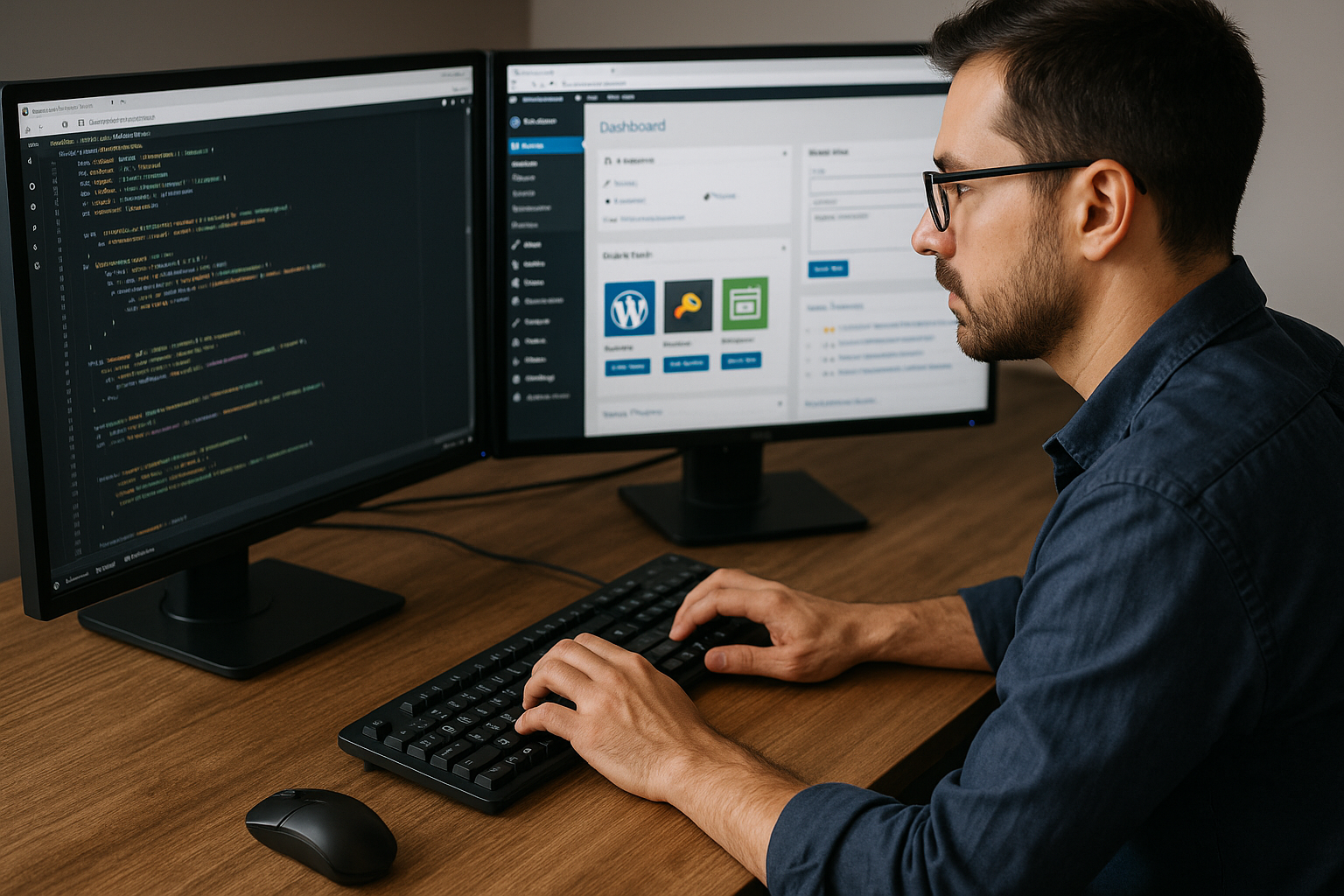
WordPress development involves the technical implementation of themes, plugins, and custom logic within the WordPress CMS. This guide outlines the essential practices, tools, and modern techniques required to build high-performance websites in 2026.
What is WordPress Development?
With over 43% of all websites powered by WordPress, it’s not just a blogging tool — it’s a complete ecosystem for businesses, developers, and creators. From small blogs to enterprise-level applications, WordPress can scale efficiently with the right development practices.
A Brief History of WordPress
Launched in 2003 by Matt Mullenweg and Mike Little, WordPress started as a simple blogging platform. Over time, its open-source nature attracted a massive developer community, transforming it into the most flexible CMS available.
The introduction of custom themes, plugins , and the Gutenberg block editor revolutionized how developers build and design. Today, WordPress supports multilingual, eCommerce (WooCommerce) , and headless CMS architectures — making it an industry favorite.
Why WordPress Dominates the Web
- Open-source and free to use.
- Thousands of themes and plugins.
- Beginner-friendly yet developer-focused.
- Highly customizable with PHP and REST APIs.
- Excellent SEO foundation and mobile responsiveness.
Its community-driven development model ensures WordPress continues to evolve with modern web standards, including accessibility and security improvements.
Types of WordPress Development
Front-End WordPress Development
Front-end developers focus on the user-facing part of the website — layout, visuals, and interactivity. They use HTML, CSS, JavaScript, and frameworks like React or Vue.js to bring designs to life.
The goal is to create responsive, fast-loading, and visually appealing themes that align with brand identity.
Back-End WordPress Development
Back-end developers handle the server-side logic , working primarily with PHP, MySQL, and WordPress hooks. They build custom functionality, integrate APIs, and ensure smooth data management.

Plugin Development and Customization
Plugins are the powerhouse of WordPress. Developers build them to add or modify features — from SEO tools to eCommerce systems. A well-coded plugin can significantly enhance site performance and scalability.
Theme Development Essentials
Theme development defines the look and feel of a site. Using template hierarchy, developers create custom layouts that are mobile-friendly and SEO-optimized.
Drag and Drop Page Builders
Drag and drop page builders like Elementor and WPBakery allow developers and non-developers alike to create complex layouts without touching code. They offer pre-designed elements and templates, speeding up the development process while maintaining design flexibility.
Setting Up a WordPress Development Environment
Before diving into code, you’ll need a stable development environment.
- Install Local WP , XAMPP , or Docker for local testing.
- Use Visual Studio Code or PhpStorm as your IDE.
- Implement Git for version control and team collaboration.
- Utilize WP-CLI for command-line WordPress management.
This setup ensures you can develop, test, and deploy efficiently.
What are the Best Practices for WordPress Development?
Some of the best practices for Wordpress include:
Security and Performance Optimization
WordPress’s popularity makes it a target for hackers. Secure your site with SSL , firewalls , and strong admin credentials . Optimize performance with caching , CDNs, and minified assets.
See our WordPress Security complete guide to learn how to secure your website.
SEO Optimization in WordPress
Use plugins like Yoast SEO or Rank Math to manage on-page SEO. Add schema markup and optimize your permalink structure for better rankings.
Accessibility and User Experience (UX)
Build for everyone. Follow WCAG 2.1 standards , ensure color contrast, and design intuitive navigation.
Advanced WordPress Development Techniques
Headless WordPress Explained
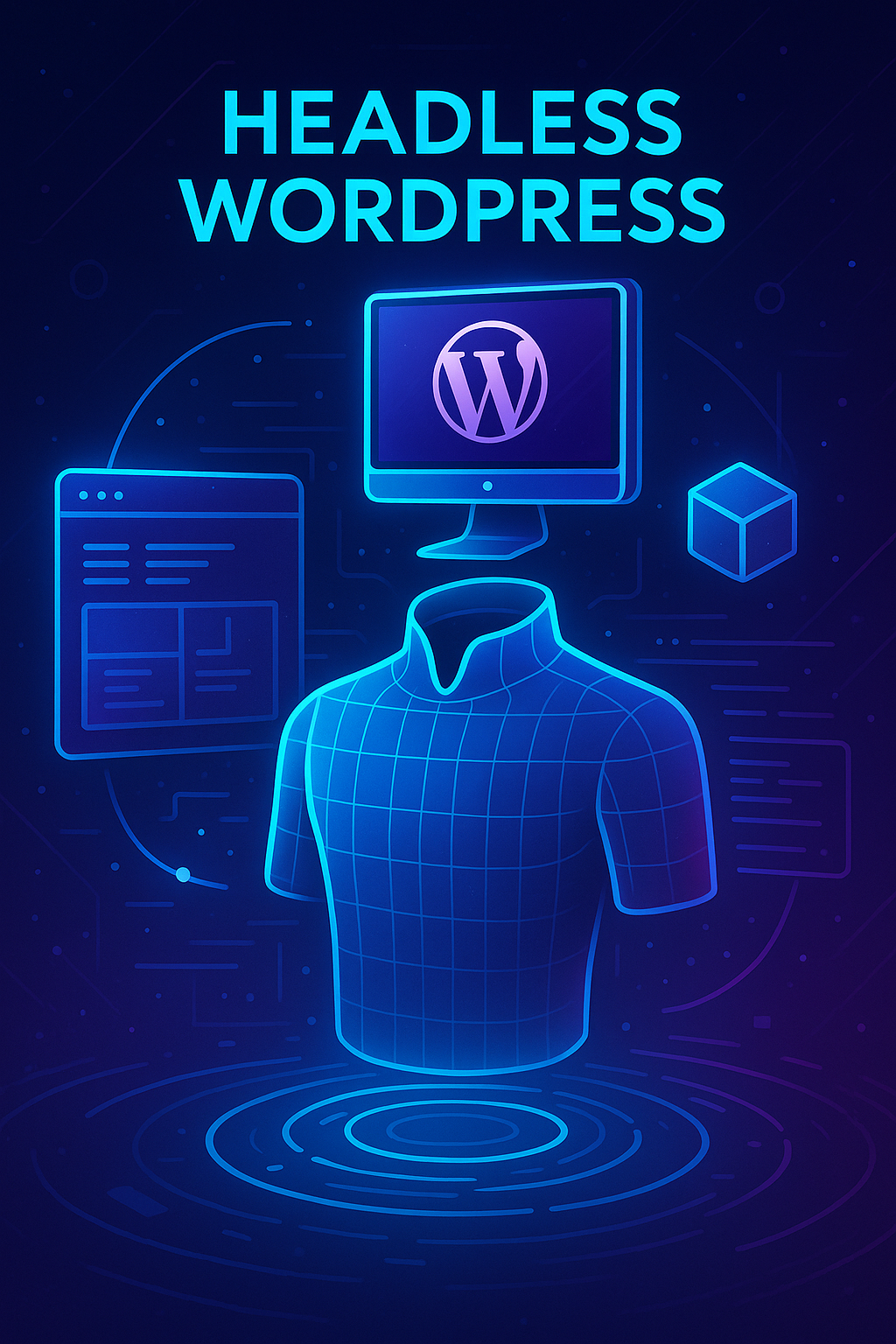
A headless setup decouples the WordPress backend from the frontend, using REST API or GraphQL to deliver data. This allows developers to build ultra-fast frontends using React, Vue, or Next.js.
Learn more about headless WordPress architectures in our WordPress and REACT: Modern Web Development Synergy.
Integrating APIs and External Tools
Integrate with CRMs, analytics platforms, and payment gateways using REST API calls — expanding the site’s functionality beyond traditional CMS limits.
WordPress Development Tools & Resources
- WP-CLI: Command-line WordPress management
- Query Monitor: Debugging and performance analysis
- ACF (Advanced Custom Fields): Custom content management
- Local WP: Easy local development environment
- GitHub: Version control and collaboration hub
For more, explore the WordPress Developer Handbook .
Common WordPress Development Challenges
- Plugin conflicts causing errors
- Slow page speeds due to heavy themes
- Security vulnerabilities in outdated plugins
- Version updates breaking custom code
Regular testing and backups are essential to prevent WordPress downtime.
The Future of WordPress Development in 2025 and Beyond
In 2025, WordPress continues to lead innovation with:
- AI-powered tools for content creation and optimization
- Full Site Editing (FSE) advancements
- No-code and low-code solutions for non-developers
- Improved headless integration for modern frameworks
WordPress isn’t slowing down — it’s evolving with the future of web development.
FAQs About WordPress Development
Conclusion: Why WordPress Development is a Skill Worth Mastering
Whether you’re a freelancer or an agency developer, WordPress development opens endless opportunities. With flexibility, scalability, and an ever-evolving ecosystem, mastering WordPress means mastering the future of web creation.
Now is the perfect time to sharpen your skills and build powerful, modern websites using WordPress.
About the Author

Brian Keary
Founder & Lead Developer
Brian is the founder of BKThemes with over 20 years of experience in web development. He specializes in WordPress, Shopify, and SEO optimization. A proud alumnus of the University of Wisconsin-Green Bay, Brian has been creating exceptional digital solutions since 2003.
Expertise
Writing since 2003