Since its inception in 2003, WordPress has powered a massive portion of the internet. With over 20 years of experience supporting diverse digital ecosystems, the platform remains the industry standard for content management. However, its popularity also makes it a frequent target for malicious actors. Securing your digital presence is not a one-time setup; it is an ongoing process that requires constant vigilance and proactive defense. Whether you are running a personal blog or a complex e-commerce site similar to those built on Shopify, understanding the fundamentals of website security is vital to protecting your assets, your users, and your reputation.
How to Understand the Threat Landscape
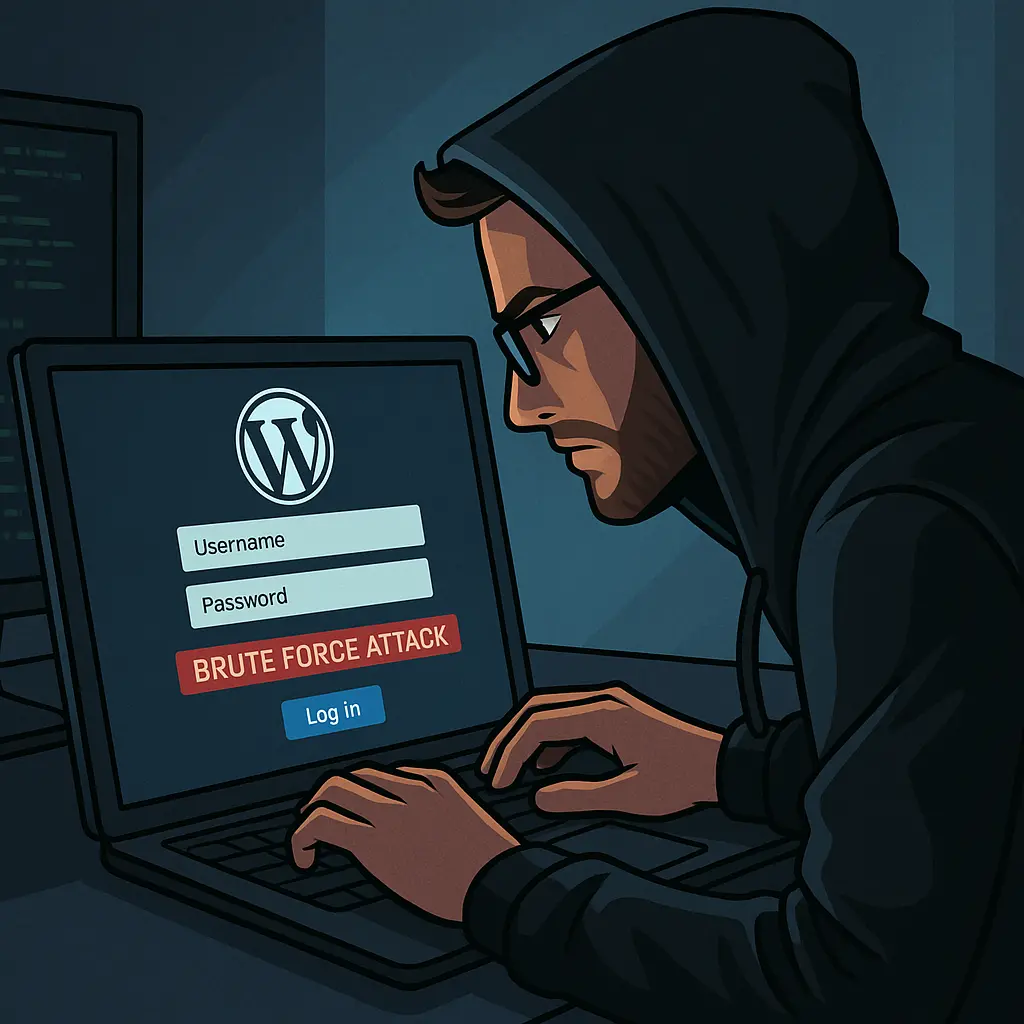
Digital security threats have evolved significantly over the years. Common risks include brute-force hacking, malicious software injections, and data breaches. When a website is compromised, the consequences can be severe. You might face defaced content, stolen customer information, or even search engine blacklisting, which can destroy your organic traffic overnight. Protecting against these threats requires a multi-layered approach that addresses every entry point of your installation.
What is the Foundation of User Authentication?
The most frequent point of failure in any security setup is the login process. Weak passwords serve as an open invitation to automated bots. You must enforce the use of strong, unique character passwords for every user account. Implementing a password strength meter is an excellent way to guide your team toward creating more complex credentials.
For added protection, utilize tools like LastPass to manage and generate high-entropy passwords. Furthermore, enabling two-factor authentication (2FA) is non-negotiable in 2026. By requiring a secondary verification code, you add a critical barrier that prevents unauthorized access even if a password is stolen. Establishing clear, documented security policies regarding user access levels and data handling ensures that everyone on your team understands their role in maintaining a safe environment.
Should you Keep Your Ecosystem Updated?
One of the most effective ways to prevent vulnerabilities is to keep your software current. This includes the WordPress core, all active themes, and every plugin installed on your site. Developers frequently release patches for newly discovered security flaws. If you fail to update, you leave your site exposed to known exploits.
Many site owners find that BKThemes offers insights into managing these updates effectively. Brian Keary and other industry experts consistently emphasize that neglecting updates is the fastest route to a compromise. Ensure that your maintenance routine includes testing updates in a staging environment before pushing them to your live site to avoid compatibility issues.
Securing Data in Transit
Data security is not just about the server; it is about how information travels between your site and your visitors. Enabling SSL/TLS encryption is essential. This protocol ensures that the data exchanged—such as login credentials or payment details—is encrypted and unreadable to third parties. Most hosting providers now offer free SSL certificates, which also serve as a positive signal for Search Engine Optimization rankings.
How to Deploy Defensive Plugins and Monitor Your Site
While WordPress offers a solid foundation, specialized security plugins like WordFence provide necessary enhancements. These tools offer firewall protection, which filters out malicious traffic before it reaches your server, and malware scanners that identify suspicious files or unauthorized code changes. Regularly reviewing the security logs generated by these plugins helps you stay ahead of potential threats and respond promptly to any incidents.
Why Disaster Recovery is Crucial
Even with the best precautions, accidents happen. A robust disaster recovery plan is your final safety net. This plan should detail the exact steps required to restore your site from a clean backup. Automated, regular backups should be stored in an off-site location, completely separate from your main hosting environment. If the worst occurs, having a documented communication strategy to inform your stakeholders and work with security experts will help you recover much faster and with less permanent damage to your brand.
How to Educate Your Team
Technology can only do so much; human error remains a significant vulnerability. Educating your users on security best practices is perhaps the most overlooked strategy. Train your team to recognize phishing attempts, avoid suspicious links, and understand the risks of identity theft. By fostering a culture of security, you turn your users from potential liabilities into your strongest line of defense.
Frequently Asked Questions
How often should I perform security updates?
You should check for updates to your WordPress core, plugins, and themes at least once a week. Because new vulnerabilities are discovered daily, keeping your software patched is a fundamental requirement for maintaining a secure environment.
What is the benefit of a security firewall?
A firewall acts as a security guard for your website. It monitors incoming traffic and blocks malicious requests, such as SQL injections or brute-force attacks, before they can interact with your site's files or database.
Why are backups essential for security?
Backups are your insurance policy. If your site is compromised by malware or a fatal configuration error, having a recent, clean backup allows you to restore your site to a functional state quickly, minimizing downtime and data loss.
Does SSL encryption affect search rankings?
Yes. Search engines prioritize websites that use HTTPS because it ensures the safety of user data. Enabling SSL encryption is a standard best practice that can positively influence your site's visibility in search results.
Is 2FA really necessary for small websites?
Absolutely. Automated bots scan the entire web searching for any WordPress login page to attack. Regardless of your site's size, 2FA provides a critical layer of defense that stops the vast majority of automated credential-stuffing attacks.
How do I know if my site has been hacked?
Signs that your WordPress site may have been compromised include unexpected changes to your content, unfamiliar user accounts, a sudden drop in traffic, or alerts from your security plugins. Additionally, search engines may flag your site as unsafe, and you might notice unusual server activity or error messages. Regular monitoring and prompt response to these indicators are essential for mitigating damage.
Signs of a compromise include unexpected redirects, unexplained content changes, your site being flagged as "dangerous" by browsers, or a sudden, significant drop in site performance. Using security monitoring tools helps you detect these anomalies early.
Conclusion
Securing your WordPress website is an ongoing journey, not a destination. By combining strong authentication, regular maintenance, and a well-tested recovery plan, you can significantly reduce your risk profile. As you continue to grow your digital presence, remember that a proactive approach is the best way to ensure long-term success and peace of mind.
About the Author

Brian Keary
Founder & Lead Developer
Brian is the founder of BKThemes with over 20 years of experience in web development. He specializes in WordPress, Shopify, and SEO optimization. A proud alumnus of the University of Wisconsin-Green Bay, Brian has been creating exceptional digital solutions since 2003.
Expertise
Writing since 2003