Introduction: Why WordPress Hosting Security Matters More Than Ever
In today’s fast-moving digital world, WordPress hosting security isn’t just an option—it’s a necessity. As WordPress powers over 40% of all websites, it has naturally become a prime target for hackers and cybercriminals. Every day, thousands of sites face brute-force login attempts, malware injections, and phishing exploits that can lead to lost data, damaged reputations, and severe financial losses.
Choosing a secure hosting provider is your first and most crucial defense against these threats. But not all web hosts are built equally. Some go above and beyond with firewalls, DDoS protection, and real-time malware scanning—while others barely meet the minimum.
In this article, you’ll learn exactly how to choose the safest WordPress hosting provider, what features to look for, and how to keep your site protected 24/7 in 2025 and beyond.
Understanding WordPress Hosting Security: The Core Concepts
What Is WordPress Hosting Security?
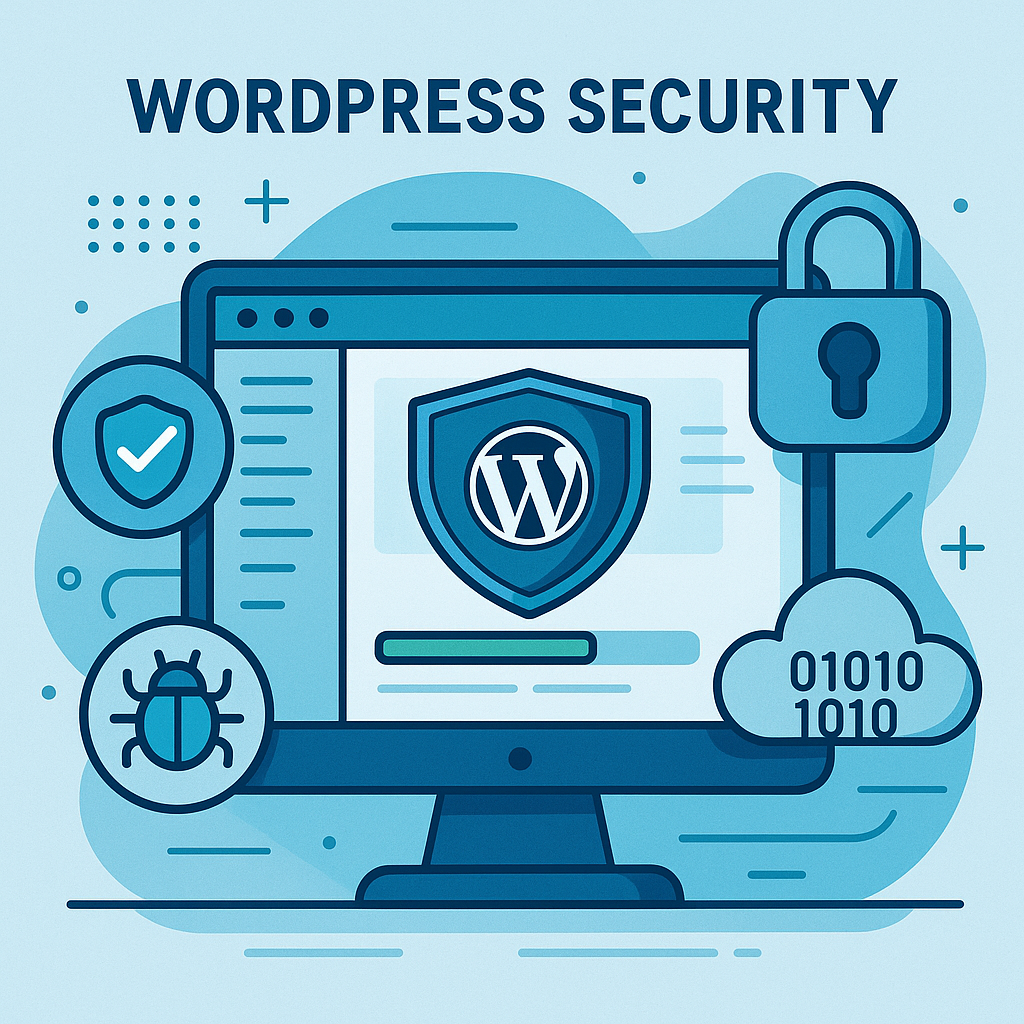
At its core, WordPress hosting security refers to the combination of technical measures and best practices implemented by your hosting provider to protect your website from online threats. These measures typically include firewall protection, intrusion detection systems, and encrypted data transfer through SSL certificates.
See WordPress Security Best Practices to learn more about securing your website to add-on to the hosting security discussed here.
Why Your Web Host Is the First Line of Defense
While you can install plugins and take manual precautions, your hosting provider forms the foundation of your site’s security. The best hosts manage server-level firewalls, automatic patching, and proactive monitoring—catching attacks before they ever reach your WordPress installation.
Common Threats Facing WordPress Websites
Malware and Hacking Attempts
Hackers often inject malicious code into your files or databases. This can lead to data theft, blacklisting by Google, or even total website loss. Regular malware scanning and strong firewall protection are essential.
DDoS Attacks and Brute Force Logins
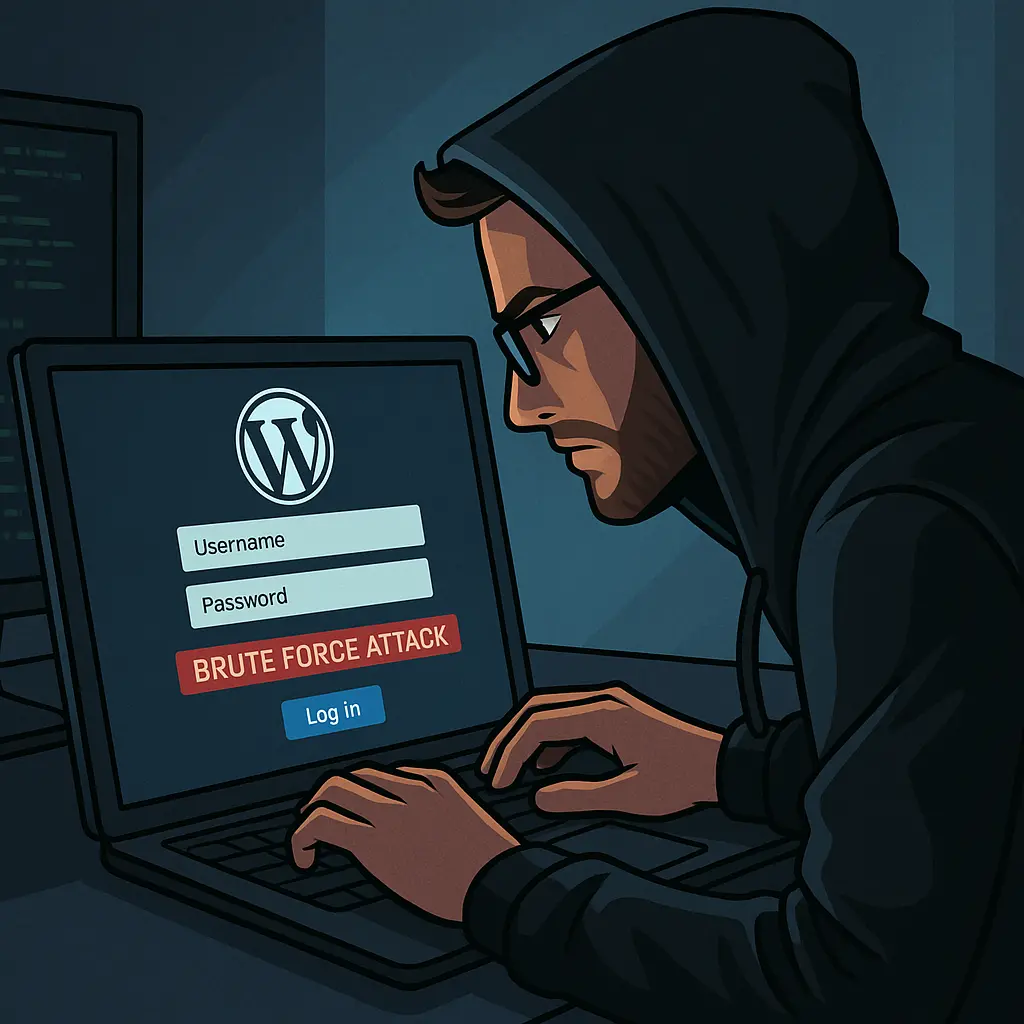
A Distributed Denial of Service (DDoS) attack overwhelms your website’s server with fake traffic, crashing it instantly. Meanwhile, brute-force login attempts try endless password combinations until they break in. Good hosting providers mitigate these attacks through IP blocking and rate limiting.
Plugin and Theme Vulnerabilities
Many WordPress vulnerabilities stem from outdated plugins and themes. Secure hosts automatically update core files and can even block insecure third-party code before it executes.
Key Features of a Secure WordPress Hosting Provider
SSL Certificates and HTTPS Encryption
An SSL certificate ensures that data exchanged between your website and users remains encrypted. Reputable hosts offer free SSLs via Let’s Encrypt, ensuring every site uses HTTPS by default.
Server-Level Firewalls and Malware Scanning
Look for providers that include Web Application Firewalls (WAF) and 24/7 malware detection. These tools monitor network traffic and block suspicious activity before it reaches your files.
Automatic Backups and Recovery Options
Even the best security setups can fail. That’s why automatic daily backups and easy one-click restoration options are essential. This ensures your site can be recovered in minutes, not days.
Regular Software Updates and Patch Management
Your hosting provider should handle automatic WordPress core and PHP updates, reducing exposure to newly discovered vulnerabilities.
Comparing the Safest WordPress Hosting Providers in 2025
| Hosting Provider | Security Features | Ideal For |
|---|---|---|
| SiteGround | AI anti-bot system, daily backups, WAF | Small-to-medium sites |
| Kinsta | Cloudflare integration, SSL, DDoS protection | Performance-driven users |
| WP Engine | Threat detection, managed updates, staging environments | Enterprises |
| Bluehost | Free SSL, daily backups, 24/7 monitoring | Beginners |
| Hostinger | BitNinja security, weekly backups, 99.9% uptime | Budget users |
Each of these providers has earned its place in 2025’s top tier due to reliable uptime, proactive security, and customer trust.
Advanced WordPress Security Practices Beyond Hosting
To truly fortify your website, combine secure hosting with these best practices:
- Enable two-factor authentication (2FA) for all logins.
- Install a Web Application Firewall (WAF).
- Limit user access roles—avoid giving admin privileges unnecessarily.
- Use top-rated plugins like Wordfence or Sucuri for real-time monitoring.
How to Evaluate Hosting Security Before Purchase
Before signing up for any host, check the following:
- Do they have ISO 27001-certified data centers?
- Do they offer GDPR compliance and data encryption?
- What is their SLA (Service Level Agreement) uptime guarantee?
These indicators reflect how seriously the provider takes your website’s protection.
Frequently Asked Questions (FAQs)
Conclusion: Building a Future-Proof WordPress Hosting Strategy
As cyber threats evolve, so must your website’s defenses. Investing in a secure WordPress hosting provider ensures your site remains fast, stable, and resilient against attacks. By choosing a trusted host and applying best practices, you’re not just protecting your website—you’re safeguarding your brand, customers, and reputation.
For additional reading, check WordPress.org’s official security guide.
About the Author

Brian Keary
Founder & Lead Developer
Brian is the founder of BKThemes with over 20 years of experience in web development. He specializes in WordPress, Shopify, and SEO optimization. A proud alumnus of the University of Wisconsin-Green Bay, Brian has been creating exceptional digital solutions since 2003.
Expertise
Writing since 2003