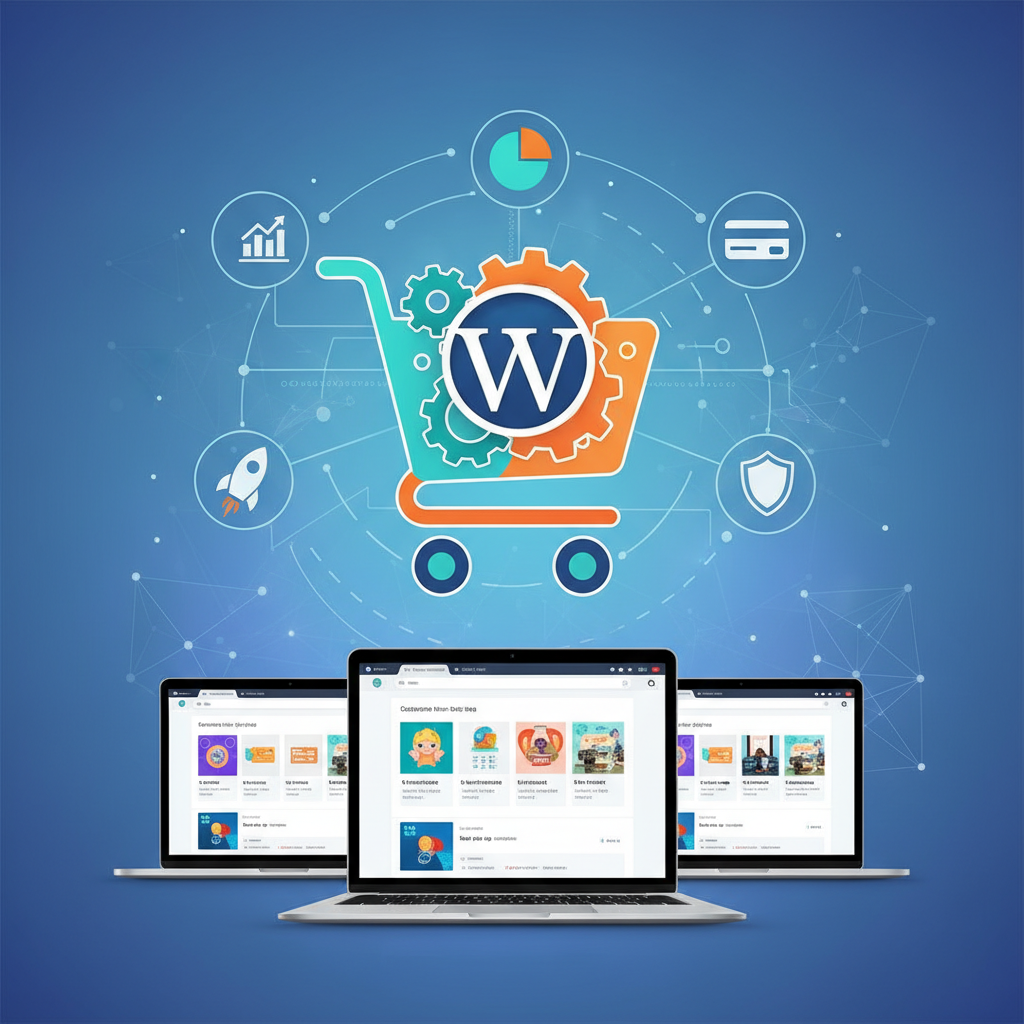
Selecting the best ecommerce wordpress plugin determines the long-term viability of an online store. Statistics from 2026 indicate that over 43% of all websites utilize WordPress, making it the dominant platform for digital commerce. Choosing the right tool requires balancing functionality, scalability, and technical overhead. Business owners often prioritize ease of use, yet security and performance remain the primary drivers of sustainable growth. This guide evaluates the top solutions to assist small businesses in reaching their revenue goals.
Understanding your business model requirements
Every business follows a unique trajectory. Dropshipping enterprises require automated inventory syncing, whereas digital download shops prioritize secure file delivery. Subscription-based models demand recurring billing features. You must identify your primary sales mechanism before installing any plugin.
WooCommerce remains the industry leader for a reason. It offers a modular architecture, allowing businesses to start lean and add features as revenue scales. However, alternatives like Easy Digital Downloads serve specific niches better. If you sell only virtual products, a lightweight solution saves significant server resources. Evaluate your projected sales volume and product variety to ensure your chosen plugin supports your specific operational needs.
Performance Impact: How Plugins Affect Site Speed
Performance metrics directly influence conversion rates. Research from Google Search Central confirms that faster page loads lead to higher user retention. Bloated plugins inject excessive scripts, which increase Time to First Byte (TTFB). You should audit your plugin's footprint before committing to a long-term deployment.
A poorly optimized ecommerce plugin will degrade your site speed significantly. WooCommerce, while powerful, requires high-quality hosting to maintain performance. You can mitigate speed issues by using a Content Delivery Network (CDN) and professional caching solutions. Furthermore, avoid plugins that load styles on pages unrelated to the shopping experience. Monitor your Core Web Vitals regularly to ensure your store remains competitive in search rankings.
Need help with your site?
Want an expert to help turn this advice into action?
This post is in Web Design, so here’s the most relevant next step if you want help applying it.
BKThemes helps businesses improve websites, SEO, performance, and content execution without the usual agency fog machine.
- Development, SEO, and platform-specific support
- Hands-on implementation and problem-solving
- Clear recommendations tied to business outcomes
Security Essentials: Protecting Your Customer Data
Security represents the most critical aspect of online retail. Small businesses often become targets for automated attacks. A secure ecommerce plugin must support SSL encryption and comply with PCI-DSS standards. You can review official security guidelines to understand your legal obligations regarding customer data.
Plugins like WooCommerce provide robust security hooks, but the responsibility rests on the site administrator. Implement two-factor authentication for all administrative accounts. Additionally, choose plugins that receive frequent updates from reputable developers. Outdated software creates vulnerabilities that hackers exploit. Regular backups and a Web Application Firewall (WAF) provide essential layers of defense against malicious actors. Never ignore security alerts within your WordPress dashboard.
The True Cost of Ownership: Beyond the Free Plugin
The initial price of a plugin rarely reflects the total cost of ownership. Most "free" plugins require premium extensions for essential features like payment gateways, tax calculation, or shipping labels. You must calculate the annual subscription costs for these add-ons.
Consider the cost of professional support and maintenance. If your store generates significant revenue, downtime becomes expensive. Investing in premium support for your primary ecommerce plugin pays for itself when critical issues arise. Furthermore, factor in the cost of high-performance hosting specifically tuned for ecommerce workloads. A cheap hosting plan often leads to database corruption and lost sales during peak traffic periods. Create a budget that accounts for these recurring operational expenses to ensure financial stability.
Comparing leading ecommerce plugins in 2026
The market for WordPress ecommerce remains competitive. WooCommerce dominates the landscape due to its vast ecosystem of themes and plugins. You can explore custom design options to ensure your store matches your brand identity.
Easy Digital Downloads (EDD) excels for businesses focusing exclusively on software, music, or ebooks. It remains lightweight compared to the full-featured WooCommerce suite. BigCommerce for WordPress offers a "headless" approach, separating the storefront from the backend. This architecture provides superior scalability for large enterprises but adds complexity for smaller teams. Evaluate each option based on your technical expertise and growth projections.
Streamlining your plugin installation process
A clean installation prevents future technical debt. You should follow a systematic approach when configuring your ecommerce environment. Start by installing only the core plugin and essential payment gateways. Test the checkout flow thoroughly before launching the site to the public.
Use professional templates to ensure your site architecture supports mobile shoppers. Mobile-first design is not optional in 2026; it is a requirement for small business success. Keep your plugin list short. Every plugin introduces a potential conflict or security gap. If a specific feature is not necessary for your MVP, delay its installation until your site traffic justifies the additional load.
Key Takeaways for Small Business Owners
- Prioritize security features to protect customer data and maintain brand trust.
- Calculate the total cost of ownership, including premium extensions and specialized hosting.
- Audit site performance metrics regularly to ensure fast page load times for shoppers.
- Select a plugin that aligns with your specific business model, whether it is physical goods, digital downloads, or subscriptions.
- Minimize the number of active plugins to reduce site bloat and potential security vulnerabilities.
How do I know if my plugin is secure?
Security is verifiable through regular audits. Look for plugins with active development cycles and clear changelogs. Check the official WordPress repository to see if the plugin receives updates at least once every three months. Additionally, ensure the plugin developer follows secure coding practices and maintains clear documentation for security patches.
Does the plugin affect my SEO rankings?
Yes, site speed and security are confirmed ranking factors. Search engines prioritize websites that offer a fast and secure user experience. A plugin that slows down your site or lacks proper schema markup for products will negatively impact your visibility in search results. Choose plugins that integrate well with standard SEO practices.
Is WooCommerce the best option for every small business?
WooCommerce is the most versatile option, but it is not always the most efficient. If your store sells only a few digital files, a simpler, lightweight plugin might serve your needs better. Assess your product catalog size and the complexity of your checkout process before committing to a platform.
What are the hidden costs of WordPress ecommerce?
Hidden costs often include premium payment gateway fees, third-party shipping integrations, tax compliance software, and high-performance hosting. You should also account for the cost of professional development if you require custom functionality that standard extensions do not provide. Always read the pricing documentation for every extension you intend to use.
Can I switch plugins later if I start with the wrong one?
Migrating ecommerce platforms is possible but complex. It involves moving product databases, customer information, and order history. This process often requires professional assistance to ensure data integrity and to prevent SEO losses. It is significantly more cost-effective to choose the right plugin from the beginning by thoroughly vetting your requirements.
Conclusion
Choosing the best ecommerce wordpress plugin requires a strategic approach. You must evaluate your business model, consider the total cost of ownership, and prioritize security and site performance. In 2026, the success of your online store depends on the technical foundation you build today. Use the insights provided in this guide to make an informed decision that supports your long-term growth objectives. By focusing on essential features and maintaining a clean, secure, and fast-loading website, you position your small business for sustainable success in the digital marketplace. Start your journey by auditing your requirements and selecting a solution that scales with your ambition. Consistent monitoring and a commitment to quality will ensure your ecommerce store remains a valuable asset for years to come.
For those looking to build a professional-grade store, the transition from a simple blog to a revenue-generating platform can be daunting. However, by leveraging the right tools and maintaining a lean technical stack, you can create a seamless shopping experience that rivals major retailers. Remember that your choice of plugin is not just a software installation; it is the engine that drives your business operations.
If you are currently in the planning phase, consider how your chosen plugin integrates with your broader marketing strategy. A well-integrated store allows for automated email marketing, abandoned cart recovery, and detailed analytics, all of which are essential for driving repeat business. If you find your current setup is limiting your growth, it may be time to reassess your requirements and consider migrating to a more robust solution that aligns with your 2026 business goals.
For further guidance on optimizing your store’s design and functionality, explore our WordPress design resources to ensure your storefront is as performant as it is visually appealing. Scaling a small business requires patience, but with a solid foundation, you will be well-equipped to handle increasing traffic and conversion demands.
Frequently Asked Questions (FAQs)
Looking for implementation support? Visit our web development services page for the full service overview.
📧 Want to Stay Updated?
Get the latest web development tips and insights delivered to your inbox.
🚀 What Services do you Offer?
About the Author

Brian Keary
Founder & Lead Developer
Brian is the founder of BKThemes with over 20 years of experience in web development. He specializes in WordPress, Shopify, and SEO optimization. A proud alumnus of the University of Wisconsin-Green Bay, Brian has been creating exceptional digital solutions since 2003.
Expertise
Writing since 2003