As an SEO expert with three decades in the trenches, I've seen countless trends come and go. Yet, one fundamental element has consistently dictated user perception, engagement, and conversion rates: color in web design. It's more than just aesthetics; it's a powerful psychological tool that shapes first impressions, guides user flow, communicates brand identity, and profoundly impacts the overall user experience. Ignoring its strategic application is akin to building a house without a foundation.
In this comprehensive guide, we'll delve deep into the art and science of leveraging color to create not just beautiful, but highly effective and SEO-friendly websites. We'll explore everything from the psychological impact of hues to the critical importance of accessibility, ensuring your digital presence is both captivating and inclusive.
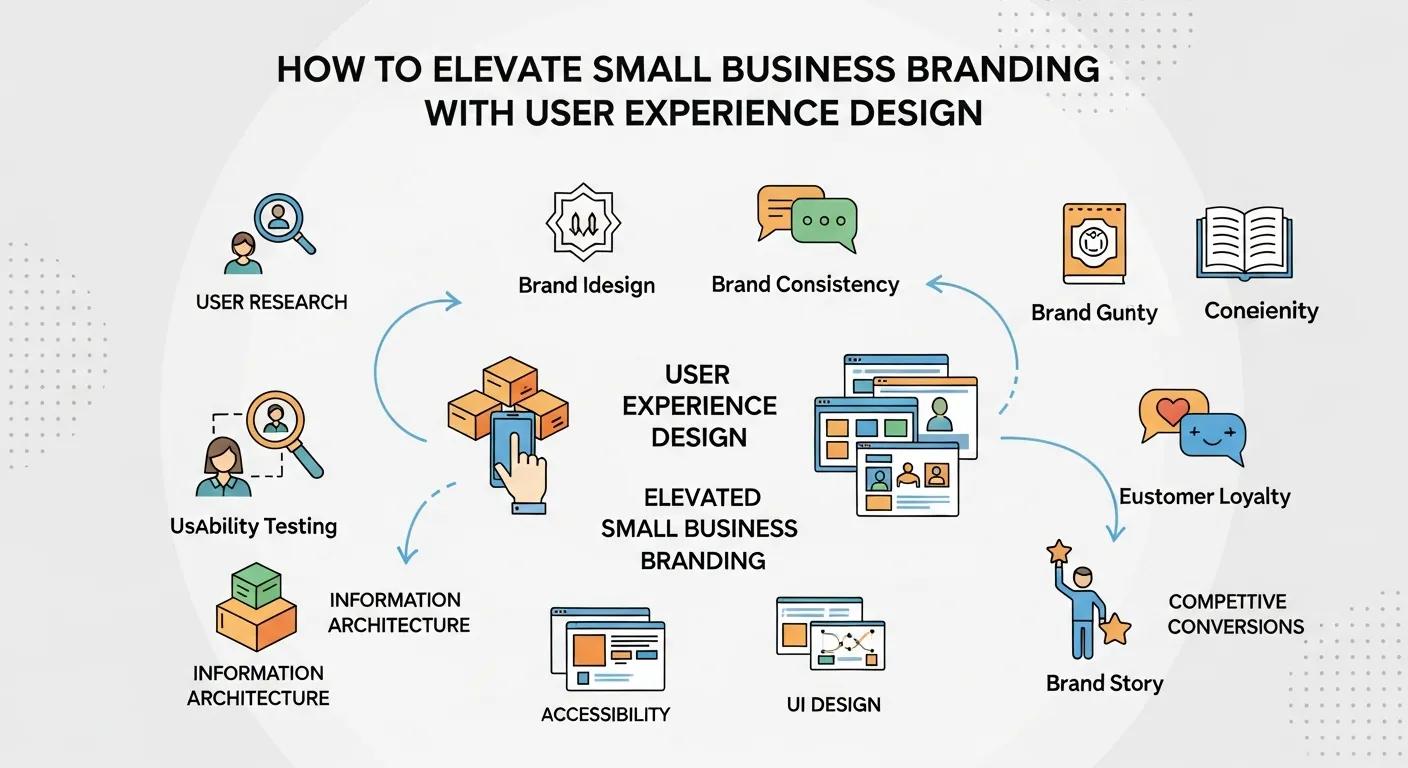
Color is one part of a larger experience. For the complete framework for navigation, performance, accessibility, content, and testing, read our user experience design guide.
The Psychology of Color in Web Design
Before you even consider HEX codes, understand that colors speak a universal language, albeit one with cultural nuances. Each hue evokes specific emotions and associations that can dramatically influence how users perceive your brand and interact with your site. Strategic color choice can encourage clicks, build trust, convey urgency, or create a sense of calm. Here's a quick overview of common associations:
| Color | Common Associations | Web Design Application |
|---|---|---|
| Blue | Trust, stability, calmness, intelligence, professionalism | Corporate sites, tech, finance, social media (Facebook, Twitter) |
| Red | Passion, energy, urgency, danger, excitement | Call-to-action buttons, sales alerts, food, entertainment |
| Green | Nature, growth, health, wealth, tranquility | Environmental, health, finance, eco-friendly brands |
| Yellow | Happiness, optimism, warmth, caution, energy | Children's products, travel, warnings, accents |
| Orange | Creativity, enthusiasm, friendliness, youthfulness | Creative agencies, sports, e-commerce call-to-actions |
| Purple | Luxury, royalty, creativity, spirituality, mystery | Beauty, fashion, luxury goods, creative industries |
| Black | Sophistication, power, elegance, formality | Luxury brands, photography, minimalist designs |
| White | Purity, cleanliness, simplicity, freshness | Minimalist designs, healthcare, tech, background for clarity |
Understanding these psychological triggers allows you to align your color palette with your brand's message and desired user action. For a deeper dive into the emotional impact, check out resources on color psychology in branding.
Color Theory Fundamentals for Web Designers
A strong grasp of color theory is non-negotiable for effective web design. It provides the framework for creating harmonious and visually appealing palettes. Key concepts include:
- Hue: The pure spectrum of colors (red, green, blue, etc.).
- Saturation: The intensity or purity of a color (how vibrant or muted it is).
- Value (or Lightness): How light or dark a color is.
- Tints: Hues with white added.
- Shades: Hues with black added.
- Tones: Hues with grey added.
Building effective palettes often involves understanding color schemes based on the color wheel:
- Monochromatic: Variations in lightness and saturation of a single hue. Simple, clean, and elegant.
- Analogous: Colors adjacent to each other on the color wheel. Harmonious and pleasant, often found in nature.
- Complementary: Colors directly opposite each other on the color wheel (e.g., red and green). High contrast, impactful, and can be vibrant.
- Triadic: Three colors equally spaced on the color wheel. Provides strong visual contrast while maintaining balance.
- Tetradic (Double Complementary): Four colors arranged into two complementary pairs. Complex but offers rich possibilities.
Experimenting with these schemes can help you find a balance between visual interest and brand coherence. Tools like Adobe Color are invaluable for exploring these relationships.
Choosing Your Palette: Tools and Techniques
Selecting the right colors for your website goes beyond theory; it involves practical application and often collaboration. Here are some techniques and tools:
- Brand Guidelines First: If a brand already exists, adhere strictly to its established color palette. Consistency builds recognition and trust.
- Define Your Primary, Secondary, and Accent Colors: A good rule of thumb is the 60-30-10 rule: 60% dominant color, 30% secondary color, and 10% accent color. This creates visual hierarchy and balance.
- Consider Your Audience: Demographics, culture, and industry play a huge role. A children's toy store will have a vastly different palette than a law firm.
- Utilize Color Palette Generators: Websites like Coolors.co or Paletton can help you generate and refine palettes quickly, providing HEX, RGB, and HSL values ready for implementation.
- Test and Iterate: Don't settle for the first palette. A/B test different color schemes for call-to-action buttons or background elements to see what resonates best with your users.
Accessibility and Inclusivity in Color Choices
In today's digital landscape, accessibility is not just good practice; it's often a legal requirement and a critical SEO factor. Ignoring accessibility can alienate a significant portion of your audience, impact your rankings, and damage your brand reputation. When it comes to color, contrast is king.
The Web Content Accessibility Guidelines 2.2 (WCAG) set standards for contrast ratios between text and its background. For most content, a contrast ratio of at least 4.5:1 is recommended (AA standard), and 3:1 for large text. Numerous free online contrast checkers can help you verify your color combinations.
Beyond contrast, consider:
- Don't Rely Solely on Color: Convey information using more than just color. For instance, in a form, don't just use red text for an error; add an icon or descriptive text.
- Color Blindness: Roughly 8% of men and 0.5% of women worldwide have some form of color blindness. Ensure your design is understandable even if certain colors are indistinguishable. Tools exist to simulate various forms of color blindness.
- User Preferences: Offer options where possible, such as a "dark mode" toggle, which can significantly improve comfort for many users.
Trends and Future of Color in Web Design
While fundamental principles remain, the aesthetic application of color evolves. Current trends often lean towards:
- Muted & Earthy Palettes: Offering a sense of calm and sophistication.
- Bold Contrasts: High-impact combinations that grab attention.
- Gradients: Making a strong comeback, offering depth and modern aesthetics.
- Dark Mode Optimization: Designing palettes that work equally well in both light and dark interfaces.
- AI-Generated Palettes: Tools using AI to suggest unique, harmonious color schemes based on mood, images, or brand attributes.

"Color is a power which directly influences the soul." - Wassily Kandinsky.
This sentiment holds particularly true in web design, where color can make or break the connection with a user in mere seconds.
The future of color in web design is likely to be even more personalized and dynamic, with websites adapting palettes based on user preferences, time of day, or even emotional state. Staying informed about these trends, while firmly rooted in timeless theory and accessibility, will keep your designs relevant and effective.
Frequently Asked Questions About Color in Web Design
Conclusion: The Enduring Power of Color
From a seasoned SEO's perspective, I can confidently say that the strategic application of color in web design is not a luxury, but a necessity. It’s a silent, yet incredibly powerful, communicator that guides user perception, influences behavior, and reinforces brand identity. By understanding color psychology, embracing fundamental color theory, prioritizing accessibility, and thoughtfully integrating contemporary trends, you equip your website to not just look good, but to perform exceptionally.
Investing time in mastering your color palette is an investment in your brand's future, directly contributing to a more engaging, accessible, and ultimately, more successful digital presence. So, go forth and color your web world wisely!
Looking for implementation support? Visit our web development services page for the full service overview.
About the Author

Brian Keary
Founder & Lead Developer
Brian is the founder of BKThemes with over 20 years of experience in web development. He specializes in WordPress, Shopify, and SEO optimization. A proud alumnus of the University of Wisconsin-Green Bay, Brian has been creating exceptional digital solutions since 2003.
Expertise
Writing since 2003