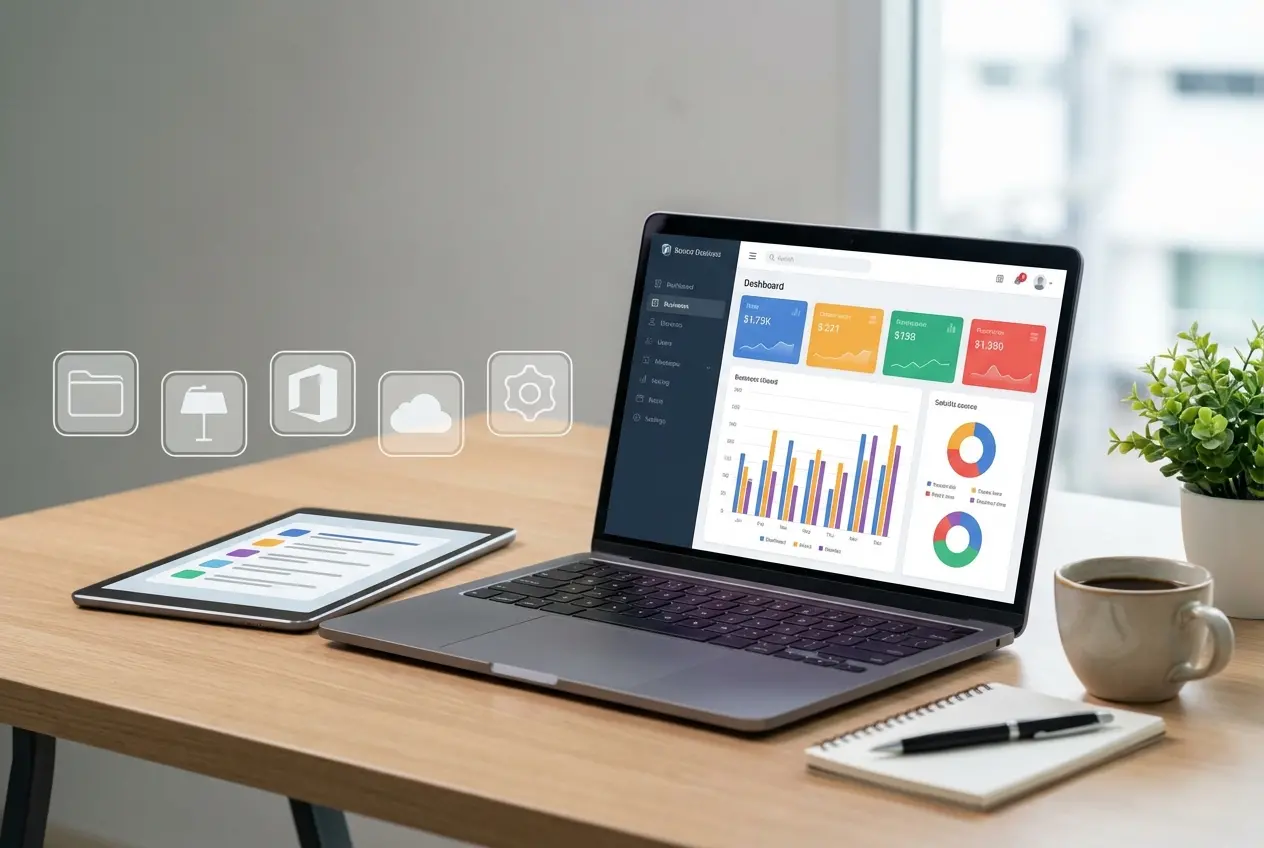
Visual interaction design shapes how people interpret an organization, absorb information, and move through digital experiences. Modern optimization requires attention to how an organization presents and maintains its brand across the web. When layout mechanics and presentation systems work together, an organization can create a clearer, more consistent experience. Visual presentation is not decoration applied after engineering decisions; it is a primary communication layer between a brand and its audience.
Key Takeaways
- Component-level adaptability allows modular design units to adjust visual styling based on available container width rather than whole viewport dimensions.
- Visual motion can operate as progressive enhancement, providing spatial context during state changes while preserving fallback behavior.
- WCAG 2.2 includes interaction requirements concerning target size, unobscured focus, and alternatives to dragging.
- Interaction to Next Paint (INP) measures responsiveness across interactions; Google’s good threshold is 200 milliseconds or less at the 75th percentile.
- Visual layout stability helps prevent unexpected movement as content loads.
- Brand equity depends upon consistent typographic, geometric, and chromatic presentation across enterprise web touchpoints.
- Thorough interface audits examine component resilience under varying headline lengths, media ratios, and input modalities.
Building a recognizable identity across digital channels creates useful signals for people. Design systems must therefore balance aesthetic clarity with structural stability. While technical infrastructure supports delivery, the front-facing layout influences how individuals perceive service quality, evaluate claims, and choose to transact. Every visual element on a screen can act as a cue regarding company reliability and operational competence. When layout standards falter, visitors may abandon sessions regardless of underlying server speed or domain history.
Component Adaptability and Modular Layout Systems
Modular interface design organizes individual screen elements to adapt directly to their parent containers rather than full screen dimensions. When components respond to their available width, designers can create layouts that maintain proportional typography and clear visual hierarchies across different page regions. Chrome for Developers reported container queries stable across modern browsers on May 11, 2023, in its overview of modern CSS and UI features. This makes it possible to plan interfaces around independent, reusable design modules as well as global page layouts.
Traditional responsive design often relied on screen-width thresholds that treated entire layouts as monolithic units. A three-column grid at desktop scale can force supplementary content cards into narrow slots where text breaks awkwardly and imagery shrinks. Component-level adaptation allows a card to use a horizontal media layout in a wide column and a stacked layout in a narrow side rail. This structural modularity helps preserve readable typography and imagery across digital touchpoints.
Consistent visual presentation across layout configurations can help maintain a recognizable identity. When interface elements preserve legible line lengths and clear spacing across different screen sizes, readers have a more consistent experience. Visual hierarchy should remain clear as content flows between mobile screens, desktop monitors, and other viewports.
Visual Continuity and Motion Hierarchy
Visual continuity guides the visitor’s eye across layout changes. When a user activates an expandable card or moves between page states, motion can provide feedback that explains where old information went and where new context originated. Google’s May 11, 2023 guidance describes the View Transition API as a way to animate between DOM states and recommends keeping a fallback for browsers that do not support it. Chrome 147 later added element-scoped transitions, allowing nested and concurrent transitions, as announced by Chrome for Developers in March 2026. This is a Chrome release milestone, not evidence of universal browser support.
Spatial continuity during state changes can help visitors stay oriented. Interface motion should not serve purely decorative purposes; it can act as a functional visual cue. Consider a reader selecting a case study preview card. If the thumbnail expands into a hero section, the user may retain contextual grounding. If the screen instead changes abruptly to a different layout, continuity may be harder to follow. Thoughtful transitions preserve orientation without drawing attention to the underlying mechanics.
3D interface animations should respect user comfort and hardware limitations. Design systems can account for system-level preferences for reduced motion, using less animation for individuals sensitive to motion. Feature support varies, so teams should check compatibility before relying on a particular technique. Clean, restrained transitions can respect user time, support perceived craftsmanship, and establish deliberate spatial boundaries.
Accessibility Standards as an Interaction Foundation
Accessible interaction design creates usable digital pathways for individuals using alternative input methods, assistive technology, or mobile devices. Accessibility is not an ancillary legal obligation; it is a foundation for interaction. The World Wide Web Consortium established the Web Content Accessibility Guidelines (WCAG) 2.2 as a W3C Recommendation on October 5, 2023, as detailed in the official announcement. WCAG 2.2 added success criteria addressing matters including target size, focus presentation, and alternatives to dragging.
Interactive targets need sufficient size to help prevent misclicks and user fatigue. WCAG 2.2 includes a minimum target size criterion, with exceptions specified by the standard. On mobile touchscreens, crowded link clusters and tightly packed buttons can lead to frustration. Adequate visual spacing around targets can accommodate diverse motor skills and screen hardware without sacrificing visual polish.
Visual focus states represent another critical dimension of accessible interaction. Keyboard users rely on visible indicators to determine which form field, menu toggle, or action button holds focus. WCAG 2.2 includes requirements concerning unobscured focus. Designers should plan spatial margins around sticky footers and floating navigation headers so scrolling containers do not hide active controls. WCAG 2.2 also states that a full page includes its automatically presented variations for different screen sizes, so responsive versions count toward conformance.
Color contrast, text sizing, and alternatives to dragging are also important accessibility considerations. Color combinations should support legibility against varied backgrounds. Interactive components that rely on dragging motions, such as visual sliders or sortable lists, should provide alternatives where required by the standard. W3C notes that while WCAG 2.2 improves accessibility for many people with disabilities, it does not cover every user need. Designing with humility requires continuous evaluation of real human interaction patterns.
Interface Responsiveness and Interaction Timing
Visual interface design influences how quickly people receive confirmation of their clicks, taps, and keyboard inputs. When a person presses a submission button, the interface should respond visually without perceptible lag. Interaction to Next Paint (INP) replaced First Input Delay as a Core Web Vital on March 12, 2024, as documented in the Google web.dev announcement. INP measures responsiveness across user interactions.
Meeting performance goals requires attention to visual presentation complexity. Visual layouts loaded with unoptimized assets or complex effects may tax client rendering hardware. When a user taps a filter checkbox and waits before it visually changes, the site can feel unresponsive. Google’s guidance sets a good INP target at 200 milliseconds or less, assessed at the 75th percentile and segmented by device, as described in its Core Web Vitals guidance.
Visual stability complements interactive speed. Cumulative Layout Shift (CLS) measures visual stability, and Google’s guidance sets a good threshold at 0.1 or less, assessed at the 75th percentile and segmented by device. Unexpected shifts can cause users to lose their reading place or select unintended targets. Designers can reserve space for images, video placeholders, and promotional banners before those assets populate, helping the page remain stable as text and imagery load.
Loading speed is another part of the interaction cycle. Largest Contentful Paint (LCP) measures loading performance, and Google’s guidance sets a good threshold at 2.5 seconds or less, assessed at the 75th percentile and segmented by device. Designers can balance visual storytelling with asset efficiency, prioritizing prominent content above secondary decorative flourishes. LCP, INP, and CLS measure loading, interactivity, and visual stability, making performance part of user experience rather than merely engineering housekeeping.
Comparison of Interface Architecture Models
Evaluating interface design strategies requires comparing component-level systems against legacy page-wide templates. The structural variations between these approaches influence maintenance, visual consistency, and brand presentation.
| Design Characteristic | Legacy Viewport Templates | Component-Aware Layouts |
|---|---|---|
| Adaptation Origin | Viewport dimensions only | Parent container boundaries |
| Visual Consistency | May vary across screen sizes | Can adapt across nested layout regions |
| Motion Behavior | Abrupt cuts or custom scripts | Progressive visual transitions |
| Input Flexibility | Fixed desktop-to-mobile breakpoints | Sizing based on available regional space |
| Maintenance Burden | Risk of template duplication | Modular updates across components |
| Focus Indicator Integrity | May be obscured by sticky overlays | Can account for vertical clearance |
| Performance Considerations | Requires measurement | Requires measurement |
Component-aware systems can support operational efficiency for growing businesses. When a design system updates a standard card module, multiple sections and templates can inherit the refinement. Legacy approaches may require teams to update page templates separately for different formats. Modern component modularity can help visual branding remain cohesive regardless of where a prospective customer encounters an asset.
Mistakes to Avoid in Contemporary Web Layouts
Neglecting interactive states during the design phase can ruin the visual polish of an otherwise attractive layout. Many designers produce pristine static mockups showing default states while ignoring hover, active, disabled, and keyboard focus states. When users encounter an interactive element that gives little feedback, uncertainty can arise. Buttons, input forms, and navigable cards should have distinctive visual styling for their operational conditions. These cues assure users that the interface is responding.
Overloading interfaces with intrusive decorative treatments can degrade readability. Heavy drop shadows, uncontrolled parallax scrolling, and unsolicited background videos may overwhelm the experience. While visually striking on high-end design workstations, these features can distract users from evaluating core business offerings. If visual decoration competes with body copy for reader attention, the decoration may need to be removed. Clean margins, deliberate typography scales, and ample negative space can communicate institutional confidence.
Failing to design for content variation can cause layouts to break in production. Designers frequently build concepts using short headlines and identically sized photographs. Real-world corporate communication is rarely so tidy. When a product title spans four lines or an image has an unexpected orientation, fragile layouts can break. Text may overflow boundaries, buttons may be pushed off-screen, and visual rhythm may collapse. Teams should test layouts with varied content to find possible problems before release.
Ignoring touch clearance on mobile interfaces can introduce friction. Clustering multiple small links within a single paragraph or stacking buttons without separation can lead to misclicks. A user attempting to read privacy terms should not accidentally submit a contact form. Touch targets should preserve appropriate size and clearance to accommodate natural differences in how people use devices. When an interface respects physical ergonomics, users can browse with greater ease.
Relying on color alone to convey crucial status information can exclude individuals with color vision deficiencies. If a form field signals an error merely by turning its border red, some users may miss the warning. Visual design systems should combine color changes with iconography, descriptive text labels, or other cues. Redundant visual signaling helps visitors understand system statuses.
Not considering dark mode can lead to poor user experiences for those who prefer or rely on dark-themed interfaces. Elements that look clear and legible in light mode may become difficult to read or visually jarring in dark mode. Designers should test color contrasts, image treatments, and component visibility in both light and dark themes to ensure accessibility and maintain visual consistency across different viewing preferences.
Strategic Checklist for Modern Visual Design Audits
Design teams should audit interactive layouts against established visual, structural, and behavioral standards. This evaluation framework helps teams review front-facing interfaces before releasing changes to production.
- Container Proportions: Components adapt to varying parent widths without typography truncation or visual overlap.
- Interactive Target Clearances: Controls meet applicable target-size requirements and have adequate surrounding space to help prevent accidental activation.
- Unobscured Focus Indicators: Keyboard focus remains clearly visible and unobstructed by persistent sticky elements.
- Motion Restraint: Transitions account for user preferences and use feature support appropriate to the target browsers.
- Typography Scale Ratios: Type hierarchies remain distinct across screen variations.
- Visual Layout Stability: Media containers and asynchronous modules reserve space to help prevent unexpected layout shifts.
- Interaction Feedback Speed: Interactive controls display visual confirmation upon activation, supporting responsive interactions.
- Content Resilience: Layouts withstand long headlines, multi-line labels, and varying image aspect ratios.
- Multi-Modal Visual Signaling: Warnings, active states, and field errors use cues beyond color alone.
Establishing Brand Equity Through Consistent Presentation
Visual consistency across public web assets can reinforce enterprise brand equity. When prospective customers visit a primary website, a dedicated landing portal, and a corporate support hub, they should experience a cohesive aesthetic tone. Unified color palettes, consistent typographic styling, and matching component geometries signal organizational maturity. Fragmented design presentation, by contrast, may give the impression of disjointed internal operations. Establishing a cohesive visual language across touchpoints protects the long-term integrity of an organization's digital presence.
A consistent interface can make it easier for visitors to understand an organization’s digital presence. When visitors encounter stable, intuitive visual designs, they may find it easier to find and evaluate information. High-quality visual design works alongside clear content and appropriate structured data to present an institutional identity. A brand that invests in front-end design demonstrates attention to audience experience.
Maintaining brand equity requires ongoing stewardship rather than episodic redesigns. Visual standards should be cataloged in living design systems that align marketing, design, and executive leadership. Regular interface audits can ensure that new product pages, marketing landing environments, and auxiliary portals adhere to core visual rules. When a business protects its visual identity against aesthetic decay, it can build trust with its target audience over time.
Frequently Asked Questions (FAQ)
What is the difference between container-driven and viewport-driven layouts?
Container-driven layouts adapt visual presentation based on the width of their parent element, whereas viewport-driven layouts respond to the overall browser window width. Viewport queries can force broad layout assumptions for the entire screen, potentially compromising components nestled within sidebars or auxiliary columns. Container-driven designs allow a component, such as an article preview card, to use a wide horizontal layout in a primary content column and a stacked presentation in a narrow side panel. This modular independence can simplify design system architecture, preserve proportional typography, and reduce the need for separate layout variations across complex templates.
How does modern visual motion improve user comprehension?
Visual motion can improve comprehension by providing spatial continuity between interaction states. When a user activates an interactive element, subtle motion can illustrate how the interface transformed, showing where previous context moved and where new details originated. This continuity can reduce confusion during page updates. Google’s May 2023 guidance describes the View Transition API as a way to animate between DOM states and recommends a fallback for unsupported browsers. Restrained motion can reinforce interface cause and effect, but teams should check feature compatibility before relying on it.
Why are visible focus rings necessary for visual design?
Visible focus rings are necessary because keyboard users rely on clear visual markers to know which interface control is currently selected. Without distinct focus indicators, individuals navigating via keyboard or other input methods may have difficulty determining where their keystrokes will land. WCAG 2.2 includes a requirement concerning unobscured focus. Designers should plan intentional vertical padding around interactive controls so scrolling viewports preserve visible focus boundaries. A focus ring can integrate with the brand palette while remaining distinguishable from surrounding elements.
How do Core Web Vitals influence visual interaction choices?
Core Web Vitals provide measures of loading, interactivity, and visual stability. Visual designs that rely on complex effects or large assets should be tested to assess their impact on the experience. Interfaces that do not reserve space for images and banners may shift as content loads. Google’s guidance gives good thresholds of LCP at 2.5 seconds or less, INP at 200 milliseconds or less, and CLS at 0.1 or less, assessed at the 75th percentile and segmented by device. Designers should balance visual richness with loading performance, responsiveness, and stability.
What causes layout breakage during real-world site usage?
Layout breakage can occur when visual designs fail to accommodate dynamic content variations, unexpected text lengths, and different device sizes. Static mockups created with ideal headline lengths can collapse when real editorial content features longer terms or multi-line titles. Relying on rigid pixel heights rather than flexible containers can cause text to overflow or truncate. Designers should test components using varied content scenarios, including longer names, translations, and unusual image orientations. Robust visual design accommodates content variation while maintaining clarity.
Conclusion
Interface design forms the visual baseline of customer perception, digital engagement, and commercial credibility. Organizations that prioritize component-level adaptability, accessible interaction boundaries, and stable layout mechanics can build more consistent digital experiences. High-performance visual presentation does not demand aesthetic minimalism at the cost of brand personality; it requires thoughtful structural discipline that values user attention and device diversity. By aligning layout hierarchies with accessibility guidance and Core Web Vitals, enterprise teams can construct online experiences with attention to both usability and performance. Sustainable optimization emerges from the intersection of aesthetic clarity, operational stability, and user respect. Investing in resilient front-end interaction standards can help an organization's digital presence remain authoritative, trustworthy, and effective over time.
To get your cutting edge website built with the latest design principles, contact our team today and start your journey towards a future-proof digital presence.
About the Author

Brian Keary
Founder & Lead Developer
Brian is the founder of BKThemes with over 20 years of experience in web development. He specializes in WordPress, Shopify, and SEO optimization. A proud alumnus of the University of Wisconsin-Green Bay, Brian has been creating exceptional digital solutions since 2003.
Expertise
Writing since 2003