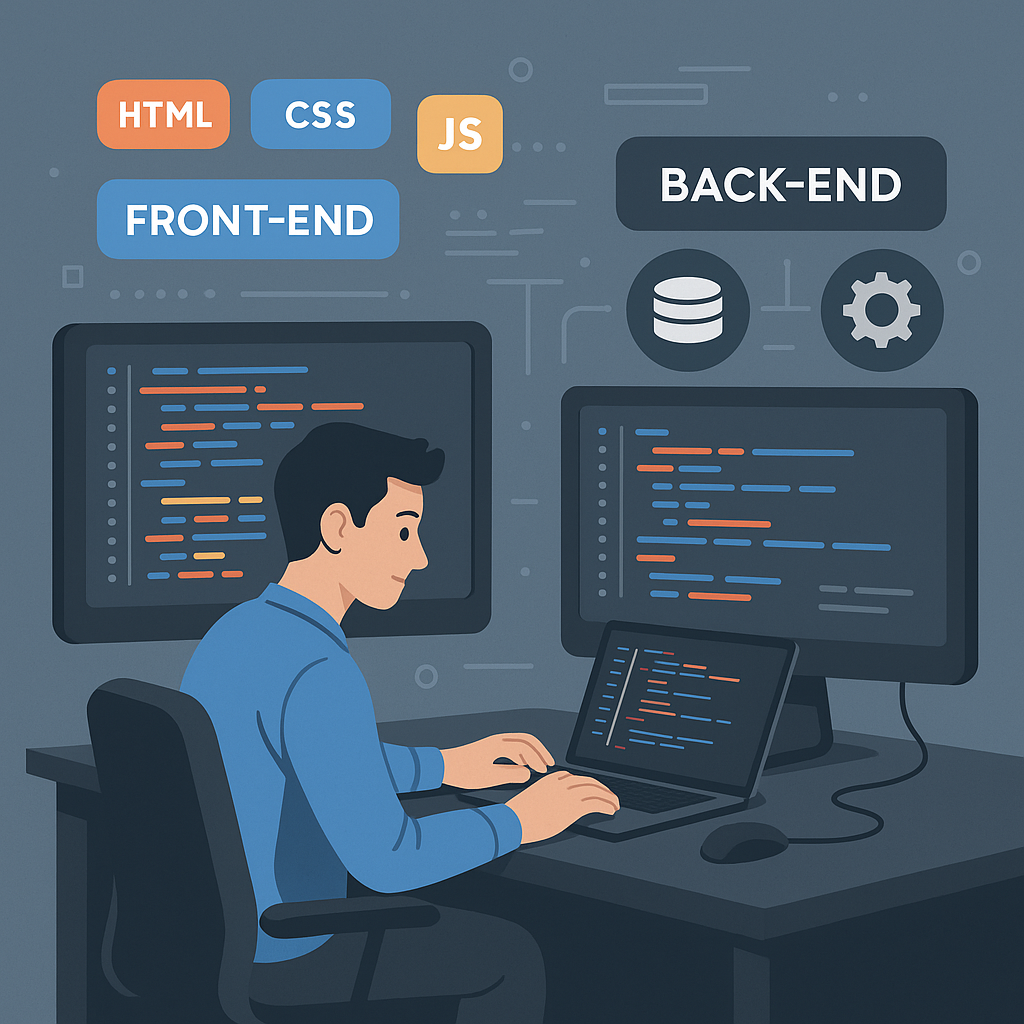
In 2026, the digital landscape remains the primary storefront for global commerce and personal expression. With millions of websites being accessed every second, understanding the foundational technologies that power the internet is an essential skill for anyone looking to enter the tech industry. Whether you are aiming to build a career in web development or simply want to understand how the pages you visit daily are constructed, mastering the core trio of languages is the best place to start. This beginner's guide explains the technologies used to help in your web development journey.
Understanding the Core Trio: HTML, CSS, and JavaScript
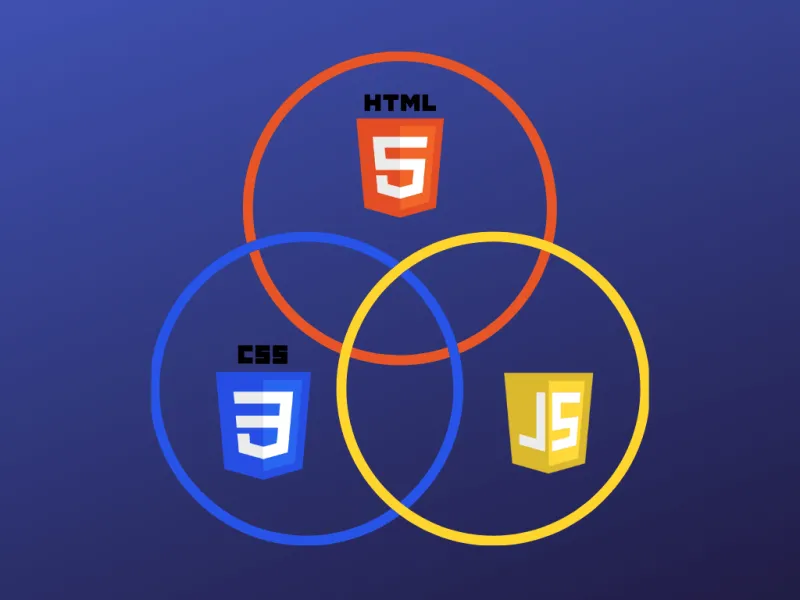
At the heart of every website you see are three distinct technologies working in harmony. Think of building a website like constructing a house. First, you need the frame, which is where HTML comes in. HTML (HyperText Markup Language) is the skeleton of the web. It is used to structure the content of your web pages, defining where headings, paragraphs, images, and links belong. Without it, the browser would have no idea how to interpret the data you want to display.
Once you have your content structured, it is time to make it look professional. This is where CSS (Cascading Style Sheets) comes into play. CSS is used to style design elements and control the layout of your site. It allows you to define colors, fonts, spacing, and responsive grids. By utilizing CSS, you ensure that your website does not just function, but also provides an aesthetic experience for the user.
Finally, you need your website to do more than just sit there. JavaScript adds interactivity and dynamic functionality to websites. With it, you can create image sliders, validate forms, or build complex web applications that respond to user input in real-time.
Why Responsive Design and Compatibility Matter
Building a site that looks great on a desktop monitor is only half the battle. In a mobile-first world, responsive web design is mandatory. This practice ensures that sites look good on all devices, from massive ultra-wide monitors to the smallest smartphones. A site that is not responsive will frustrate users and likely lead to a high bounce rate, which negatively impacts your Search Engine Optimization efforts.
Beyond responsiveness, you must also prioritize code organization and cross-browser compatibility. A website might look perfect in Chrome, but if it breaks in Firefox or Safari, you are effectively alienating a significant portion of your audience. Testing your code across different engines is a fundamental habit for any professional developer. Keeping your codebase clean and modular not only makes it easier to debug but also ensures that your site remains maintainable for years to come.
Choosing the Right Path for Learning
If you are wondering where to start, you are in luck. There are several reputable platforms that offer high-quality instruction. Beginners often find success with platforms like Codecademy, Udemy, and freeCodeCamp. These sites provide interactive environments where you can write code directly in your browser, making the learning curve much smoother. We have put together a beginners guide to web development to help you get started.
For those who prefer a more structured, classic approach, reading industry-standard books is highly recommended. For instance, the book HTML and CSS: Design and Build Websites by Jon Duckett is widely considered a rite of passage for beginners. It simplifies complex concepts and provides visual examples that make the learning process intuitive. Additionally, for ongoing inspiration and keeping up with modern trends, CSS-Tricks is an invaluable industry blog that offers tutorials and deep dives into the latest development practices like the corner-shape.
Expertise in the Industry
Developing a professional website requires more than just knowing syntax; it requires a strategic mindset. Brian Keary, the founder of BKThemes, brings over 30 years of experience to the table. His journey has shaped a career dedicated to helping businesses succeed online. With a deep specialization in WordPress, Shopify, and comprehensive SEO optimization, he emphasizes that the best websites are built on a foundation of clean code and user-centric design.
Since his start in 1993, the industry has evolved significantly. The tools have changed, but the core principles of delivering value through well-structured, fast, and accessible websites remain constant. Whether you are building a custom theme or managing a massive e-commerce platform, the same fundamental rules apply.
Frequently Asked Questions (FAQ)
What is the difference between HTML, CSS, and JavaScript?
HTML provides the structure of a webpage, CSS handles the visual styling and layout, and JavaScript provides the dynamic interactivity that allows users to engage with the page.
Do I need to be a math expert to learn web development?
No, you do not need advanced mathematics to become a web developer. While some logic is required for programming, basic arithmetic and a willingness to learn problem-solving are usually enough to get started.
Why is cross-browser compatibility important?
Different web browsers interpret code in slightly different ways. Ensuring your site works correctly on Chrome, Firefox, and Safari prevents visual bugs and broken functionality for your visitors, regardless of which browser they prefer.
How long does it take to learn these technologies?
The timeframe varies by individual, but most people can gain a functional understanding of basic HTML, CSS, and JavaScript within a few months of consistent practice. Mastering them to a professional level takes several years of real-world experience.
What is the role of responsive web design?
Responsive web design is a development approach that ensures a website automatically adjusts its layout, images, and text size to fit the screen of the device being used, whether it is a phone, tablet, or laptop.
Where can I go for professional guidance?
Platforms like Codecademy and freeCodeCamp are excellent for beginners. For professional projects or specialized needs involving Shopify or WordPress, experts like those at BKThemes provide the necessary experience to ensure your site is optimized for both users and search engines.
Conclusion
Embarking on the journey to learn web development is a rewarding endeavor that opens doors to endless creative and professional opportunities. By mastering the structure of HTML, the design capabilities of CSS, and the dynamic power of JavaScript, you gain the ability to build anything you can imagine. Remember that the best developers never stop learning. Utilize the resources available, test your work across all browsers, and always prioritize the user experience. With a solid foundation and a commitment to quality, you can build a successful presence on the web.
Looking for implementation support? Visit our web development services page for the full service overview.
About the Author

Brian Keary
Founder & Lead Developer
Brian is the founder of BKThemes with over 20 years of experience in web development. He specializes in WordPress, Shopify, and SEO optimization. A proud alumnus of the University of Wisconsin-Green Bay, Brian has been creating exceptional digital solutions since 2003.
Expertise
Writing since 2003