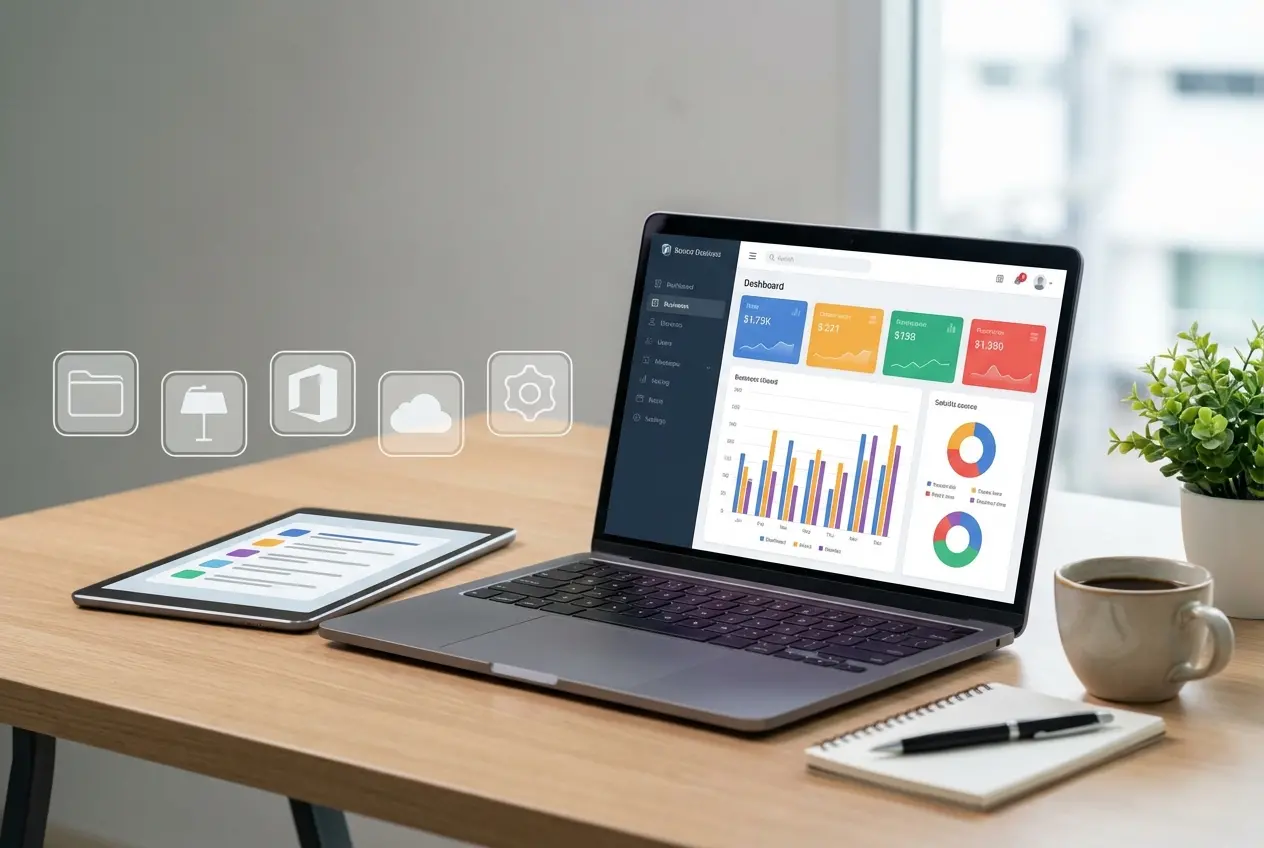
Affordable website maintenance packages for peak performances ensure your digital presence remains secure, fast, and functional in 2026. Data shows that 88% of online consumers are less likely to return to a site after a poor user experience. Proactive maintenance prevents technical debt and security breaches, which often cost businesses thousands in lost revenue. By choosing a structured support plan, you protect your investment while allowing your team to focus on core operations.
Learn about the benefits of monthly maintenance plan and how it can improve your website performance.
Why Consistent Website Maintenance Matters
A website serves as a living asset that requires constant nourishment to function correctly. Without regular updates, software vulnerabilities increase, and performance metrics drop significantly. According to research from Google Search Central, site speed and security are critical ranking factors that directly influence your visibility.
Technical maintenance involves more than just clicking the update button on a dashboard. It includes database optimization, security monitoring, and regular backups. When you neglect these tasks, your site becomes susceptible to malware injection and database bloat. Therefore, consistent care transforms a static page into a high-performance engine for your business growth. If you are looking to optimize your current infrastructure, explore our custom development services to identify potential bottlenecks.

Compare Our Website Maintenance Tiers
Choosing the right plan depends on your traffic volume and the complexity of your site architecture. We designed our tiers to provide scalable solutions for businesses of all sizes. The following table illustrates our primary maintenance offerings for 2026.
| Feature | Essential Plan | Professional Plan | Enterprise Plan |
|---|---|---|---|
| Security Scans | Daily | Real-time | Real-time |
| Plugin Updates | Monthly | Weekly | Daily |
| Speed Optimization | Quarterly | Monthly | Weekly |
| Backups | Weekly | Daily | Hourly |
| Support Response | 48 Hours | 24 Hours | 4 Hours |
The Essential plan suits small blogs or simple landing pages with low interaction rates. The Professional plan targets growing businesses that require consistent uptime and rapid response times. Finally, the Enterprise plan provides total peace of mind for high-traffic e-commerce platforms that cannot afford a single minute of downtime. You can contact our support team if you need a custom quote tailored to your unique requirements.
Tailoring Maintenance to Your Business Model
Website maintenance for e-commerce platforms differs significantly from the needs of a small business service site. An e-commerce store requires constant database synchronization, inventory management, and transaction security. Conversely, a service-based site prioritizes lead generation forms and local SEO visibility. Recognizing these distinct needs allows you to allocate your budget toward the features that drive the most value.

For an e-commerce site, security is the primary concern. You handle sensitive customer data, making your platform a target for automated cyberattacks. Therefore, our maintenance strategy for e-commerce focuses on PCI compliance, SSL certificate management, and robust firewall configurations. We monitor server logs constantly to identify suspicious patterns before they compromise your checkout process.
Small business sites often prioritize speed and content freshness. Search engines like Bing reward sites that offer quick loading times and relevant, updated information. We focus on image compression, code minification, and caching strategies to ensure your site loads under two seconds. By tailoring the service to your specific business model, we ensure that your maintenance investment yields a measurable return on investment.
The Financial Impact of Proactive Support
Many business owners view maintenance as an optional expense rather than a strategic investment. However, the cost of a site crash often exceeds the annual price of a maintenance package. When your site goes down, you lose potential sales and damage your brand reputation. Furthermore, search engine crawlers may de-index pages that return frequent 500-level errors, leading to a long-term decline in organic traffic.
Experts in the field often emphasize the value of prevention. As noted by the Cybersecurity and Infrastructure Security Agency, patching vulnerabilities is the most effective way to prevent unauthorized access. By outsourcing these tasks, you eliminate the risk of human error in manual updates. Additionally, you gain access to professional tools that identify issues long before they impact your end users.
Key Takeaways
- Maintenance is a critical component of search engine optimization and user experience.
- Security patches protect your business from data breaches and financial loss.
- Compare service tiers to align costs with your specific traffic and feature requirements.
- E-commerce sites require more frequent security monitoring than standard content sites.
- Proactive care is significantly cheaper than emergency recovery after a site failure.
How Regular Updates Improve Page Speed
Page speed is a primary metric for user retention and conversion. Bloated code, unoptimized images, and outdated plugins contribute to high latency. Our maintenance process involves a systematic audit of your site’s performance every month. We remove unused CSS and JavaScript, which reduces the total payload size of your pages.
Furthermore, we implement advanced browser caching to ensure returning visitors experience near-instant load times. These technical improvements correlate directly with lower bounce rates. When your site performs well, visitors stay longer and interact more with your content. This increased engagement signals to search engines that your site provides high-quality information.
Securing Your Digital Assets in 2026
Cybersecurity threats evolve rapidly every year. In 2026, automated bots and sophisticated phishing attempts pose a greater risk than ever before. A modern maintenance package includes multi-layered security protocols to mitigate these risks. We utilize encrypted backups stored in off-site locations to ensure your data remains safe regardless of server-side incidents.
We also monitor your site’s reputation. If a security breach occurs, search engines may flag your site as dangerous, causing a massive drop in traffic. Our monitoring services detect these flags immediately, allowing us to initiate recovery steps before your domain reputation suffers permanent damage. Investing in a professional maintenance plan is the best way to safeguard your digital assets.
Frequently Asked Questions
What is included in standard maintenance packages?
Standard packages include core software updates, security monitoring, regular backups, and basic performance tuning. These services ensure your site remains operational and secure against known vulnerabilities. We perform these tasks on a scheduled basis to minimize disruption to your daily operations.
How often should I update my website plugins?
You should update plugins as soon as security patches become available. If you choose our Professional or Enterprise plans, we handle these updates automatically after testing them in a staging environment. This testing phase prevents conflicts that could break your site layout.
Does maintenance improve my Google rankings?
Yes, maintenance indirectly improves your rankings. Google prioritizes secure, fast, and stable websites. By maintaining your site, you satisfy these technical requirements, which encourages search engines to index your pages higher. Furthermore, reduced bounce rates signal positive user engagement, which is a key ranking factor.
What happens if my website crashes?
If you have an active maintenance plan, our team initiates emergency recovery procedures immediately. We restore your site from the most recent, clean backup and identify the root cause of the crash. This process minimizes your downtime and gets your business back online as quickly as possible.
Can I manage maintenance on my own?
You can manage maintenance, but it requires significant technical expertise and time. You must monitor security logs, perform manual backups, and troubleshoot plugin conflicts. Most business owners prefer outsourcing these tasks to focus on their primary revenue-generating activities. Professional support offers a level of reliability that DIY methods often lack.
Is maintenance necessary for small websites?
Yes, maintenance is necessary for all websites. Even small sites face automated bot attacks and software vulnerabilities. Neglecting a small site makes it an easy target for hackers who use it to host malicious content or send spam. Consistent care is essential for every digital presence, regardless of size.
Conclusion
Affordable website maintenance packages for peak performances offer the stability and security your business requires to thrive in 2026. By prioritizing updates, security, and performance, you create a reliable foundation for long-term growth. Whether you operate a small service site or a complex e-commerce store, a dedicated maintenance plan prevents costly downtime and protects your brand reputation. Do not wait for a technical failure to prioritize your digital infrastructure. Review our maintenance tiers today to choose the best solution for your business. Reliable support allows you to dedicate your energy to innovation while we ensure your website remains a high-performance asset.
The Importance of Staging Environments
A critical, often overlooked aspect of professional website maintenance is the use of a staging environment. Many site owners make the mistake of updating plugins, themes, or core software directly on their live site. This "live-testing" approach is inherently risky; a single incompatible update can trigger a "White Screen of Death," breaking your functionality and deterring customers instantly.
Our maintenance protocols mandate that all updates are first applied to a mirror image of your site—a staging environment. Here, we run compatibility tests to ensure that the new code integrates seamlessly with your existing infrastructure. Only after we verify that all features, contact forms, and checkout processes are functioning perfectly do we push those updates to your live site. This rigorous testing phase is the hallmark of a professional maintenance strategy and is included in all our premium tiers to ensure your business remains uninterrupted.
Monitoring for Technical Debt
Technical debt accumulates when temporary fixes or outdated code are left in place for too long. Over time, this "debt" slows down your site and makes future development more expensive. For instance, relying on outdated PHP versions or bloated script libraries can create a performance ceiling that no amount of front-end optimization can fix.
Our maintenance packages include a proactive audit of your underlying code structure. We identify and refactor legacy elements, ensuring your site remains compatible with the latest web standards. By addressing these issues incrementally, we prevent the need for costly, full-scale site rebuilds in the future. This long-term approach to site health is what separates a site that merely "works" from one that provides a competitive advantage.
Why Choosing a Partner Matters
Selecting a maintenance provider is about more than just checking boxes; it is about building a relationship with a team that understands your business goals. At BK Themes, we bridge the gap between technical complexity and business growth. We do not just maintain your site; we optimize it to serve as a reliable engine for your marketing and sales efforts.
When you partner with us, you gain a dedicated team of developers who are familiar with your site’s unique configuration. This context allows us to provide faster, more accurate support than a generic hosting company ever could. We invite you to reach out to our experts to discuss how we can align our technical expertise with your vision for 2026.
About the Author

Brian Keary
Founder & Lead Developer
Brian is the founder of BKThemes with over 20 years of experience in web development. He specializes in WordPress, Shopify, and SEO optimization. A proud alumnus of the University of Wisconsin-Green Bay, Brian has been creating exceptional digital solutions since 2003.
Expertise
Writing since 2003