
Geo-marketing uses geographic information to shape advertising targeting, delivery, or analysis. In December 2024, the Federal Trade Commission announced action against data broker Mobilewalla and alleged that it collected more than 500 million unique advertising identifiers paired with precise location data between January 2018 and June 2020. That example highlights the privacy risks that can arise when location data is collected and used. For advertisers, location targeting can also help focus campaigns on places relevant to a business—but its settings and signals need to be understood before spending begins.
Key Takeaways
- Geo-marketing uses geographic information to shape targeting, delivery, or analysis.
- Google Ads supports selected areas including countries, regions, cities, postal regions, and proximity around a point.
- A location target does not necessarily mean a person is currently in that place; settings can include people who have shown interest in it.
- Google’s real-time bidding requests use coarse IP-derived location rather than GPS.
- Precise location data can create privacy risks; the FTC’s Mobilewalla announcement concerned specific allegations and agency action.
Reviewing geographic performance and platform settings can help advertisers assess whether campaign targeting matches their goals.
Putting a pin on a digital map sounds simple. You choose a place or draw a radius around it, then set up a campaign to reach people associated with that area. But a selected location does not necessarily mean a person is physically there. Depending on the platform and setting, someone who has shown interest in a place may also be included. Understanding the difference helps you make better choices about who your campaign is intended to reach.
Digital maps can help businesses connect advertising with local discovery. Someone searching for tacos while in town and someone looking up a restaurant from far away may have different needs. Their searches do not, by themselves, establish whether they can visit in person. Consider the audience and purpose of the campaign when deciding whether to target people present in an area, people interested in it, or both.
Who This Is For
This operational guide is built for regional business operators, digital media buyers, and marketing teams who want to use geographic information in advertising. If you manage campaigns for an auto repair shop, a medical clinic, or a chain of neighborhood bakeries, location settings may help you focus delivery on places relevant to your business. You will learn how platforms can define geographic targets and why a selected area does not always indicate a person’s current location.
Independent agency owners managing regional client accounts may also find this guide useful. You need clear ways to discuss why campaign performance varies by place and how to review location-based results. We also consider how localized messaging can fit into a regional campaign. When creating local landing pages, make sure the design and message are appropriate for the audience you want to reach.
Who This Is NOT For
This guide is not intended for pure software creators or borderless digital brands selling digital files to a global market. If your store sells downloadable PDF templates to anyone with an internet connection, physical boundaries may not be central to your sales strategy. Tight geographic targeting could limit your audience without serving your campaign goals.
Drop-shippers and print-on-demand sellers may also have less need to focus on neighborhood boundaries or postal regions if their customers can order from anywhere. Geographic targeting can still be relevant when a business has regional goals, but it is not automatically useful for every business. Consider your customers and the purpose of your campaign before narrowing its reach.
Core Mechanics of Regional Marketing
Geo-marketing uses geographic information to help shape targeting, delivery, or analysis. In Google Ads, advertisers can select countries, states or regions, cities, postal regions, and proximity around a point, according to the official Google Ads location targeting documentation.
       [ Regional Ad Targeting Flow ]
                      |
        +-------------+-------------+
        |                           |
  [ Presence ]               [ Interest ]
User is in or often      User has shown
visits the target area   interest in the area
        |                           |
        +-------------+-------------+
                      |
            [ Location Filters ]
        (Radius, Postal Region, City)
                      |
         [ Campaign Delivery ]
When you define a target area, platforms use their own identifiers for targetable locations. Google Ads assigns a criterion ID to each targetable location, and its documentation notes that places can be changed or phased out as boundaries or geopolitical circumstances change. This means location lists and identifiers are platform-specific and may need to be reviewed over time.
Radius targeting lets you select an area around a point, such as a store. Google gives the example of targeting a 10-kilometer area around a store. Radius units can vary by feature, so check the platform’s current settings rather than assuming a particular unit or minimum distance. Consider whether the area you select makes sense for your business and campaign goals.
Location signals also have limits. For its real-time bidding requests, Google says device location is derived from IP geolocation—not GPS—and is made coarse to protect privacy, as described in the Google Authorized Buyers RTB guide. Location matching methods vary by platform, so do not assume every ad request reflects a person’s precise physical position.
Physical Presence Versus Search Intent
A location setting affects whether your geo seo campaign can reach people associated with a target area because they are there, because they have shown interest in it, or both. Google Ads’ default positive setting can include people likely to be in a target area as well as people who have shown interest in it. A presence-only option is also available. Review the current platform setting and choose the option that matches your campaign goal.
For a service company with a limited operating area, reaching people interested in a distant city may not be useful. Imagine you run an emergency plumbing service in Denver. A person elsewhere searching for “pipe repair Denver” may be interested in the area without being physically there. A presence-only setting may better match a campaign intended to reach people in or regularly in the target area. It does not guarantee that every person reached is currently standing within a precise boundary.
Interest-based targeting can still suit campaigns intended to reach people considering a destination or location. A hotel, car rental service, or tourist attraction may want to advertise to people interested in a place before they arrive. Think about whether your objective is to reach people present in an area or people whose searches or other activity indicate interest in it.
Measuring geographic performance can help you review how campaigns are doing across locations. Google Ads scripts let advertisers retrieve location-target performance, including impressions and clicks, for a chosen date range, as outlined in the Google Ads campaign targeting scripts documentation. Use those reports to examine results by target area, while keeping in mind that platform definitions and matching methods can change.
Privacy Rules and Location Data Protection
Precise location data can create significant privacy risks. The FTC’s December 2024 announcement described allegations against Mobilewalla concerning the collection and sale of sensitive location data. The agency alleged that Mobilewalla collected more than 500 million unique advertising identifiers paired with precise location data between January 2018 and June 2020. This was an agency action concerning a particular company, not a general finding about all location-based marketing.
Advertisers should consider privacy when choosing how to use location information. Avoid relying on location data without understanding how it was collected, what permissions or disclosures apply, and how it will be used. Platform-level geographic targeting and precise location data are not interchangeable, and practices can carry different risks. Review the relevant platform policies and applicable requirements before launching a campaign.
Comparison of Regional Targeting Methods
Different location targeting options let advertisers select different kinds of geographic areas. The table below summarizes common approaches described in platform documentation and some considerations when choosing among them.
| Targeting Method | Geographic Unit | Possible Use | Main Consideration |
|---|---|---|---|
| Radius | Area around a point | Reaching people associated with a store’s surrounding area | A radius does not guarantee precise physical presence |
| Postal Region | Postal area | Selecting particular postal regions | Available locations and identifiers are platform-specific |
| City or Region | Administrative area | Targeting a city, state, or region | A selected area can include people interested in it, depending on settings |
| Presence or Interest | Relationship to a selected place | Matching the campaign to presence or interest goals | Check which option is selected and how the platform defines it |
Postal region selection may help a business focus on places it considers relevant, but the platform’s available locations and identifiers can change. City or regional targeting can cover a wider area, while radius targeting defines proximity around a point. These options are not identical, and their practical reach depends on platform settings.
A radius can be useful when a business wants to target an area around a particular place. Google’s documentation gives an example of a 10-kilometer radius around a store. Before choosing a distance, consider the geography and purpose of the campaign, and verify the available units in the platform. Location reports can help you review impressions and clicks by target area over a selected date range.
Mistakes to Avoid in Regional Campaigns
Leaving a location setting unchecked can lead to a campaign reaching people beyond the audience you intended. On Google Ads, the default positive setting can include people likely to be in a target area or people who have shown interest in it, while a presence-only option is also available. Review the campaign settings and select the option that fits your goal.
Another common mistake is assuming a selected area maps exactly to a person’s present location. Platform definitions and matching methods differ, and location information may be coarse. In Google’s real-time bidding requests, device location comes from IP geolocation rather than GPS and is made coarse for privacy. Treat geographic targeting as a way to shape campaign reach, not as a guarantee of exact location.
- Failing to review whether the campaign is intended to reach people present in a location, interested in it, or both.
- Assuming every platform offers the same geographic locations, identifiers, or matching methods.
- Using identical messaging for audiences with different relationships to a place.
- Forgetting to check location-target performance for a chosen date range.
- Treating a radius on a map as proof that a person is physically inside it.
Geography involves more than a line drawn on a screen. A radius or administrative boundary is a way of defining a target, but it does not explain every person’s circumstances or route to a business. Consider whether the selected areas make sense for your campaign, and use performance data to review how the targeting is working.
Actionable Checklist for Launching a Regional Campaign
Launching a regional campaign requires attention to audience settings, selected locations, and local messaging. Work through the practical steps below before enabling live ad spending.
- Define your campaign area: Decide which places are relevant to your business and objective.
- Review the location setting: Choose whether the campaign should reach people present in the target area, people interested in it, or both, based on the options available.
- Check selected locations: Confirm the selected cities, regions, postal areas, or radius match your intended reach.
- Review location performance: Use available reports to examine metrics such as impressions and clicks by target area.
- Write relevant ad copy: Make sure your messaging fits the places and audiences the campaign is intended to reach.
- Check platform documentation: Confirm current definitions, units, and available geographic targets before making changes.
- Consider privacy: Understand the location signals and data practices involved in the campaign.
Review your selected areas and settings periodically. Platform locations and identifiers can change, and campaign objectives may evolve. Rechecking the setup can help ensure that your geographic targeting still reflects your intent.
+-----------------------------------------------------------+
|            Regional Targeting Setup Checklist             |
+-----------------------------------------------------------+
| [ ] Campaign area defined for the business objective     |
| [ ] Presence or interest setting reviewed                |
| [ ] Selected geographic locations checked                |
| [ ] Location performance reviewed for a date range       |
| [ ] Ad copy aligned with the intended audience           |
+-----------------------------------------------------------+
Conclusion
GEO SEO marketing can connect digital campaigns with geographic areas relevant to a business. To use it effectively, understand how the platform defines locations and whether its settings include people who are merely interested in a place. Choose areas and options that fit your campaign goals, review location performance, and consider privacy when using location information. Platform definitions and matching methods can change, so check the current documentation before making decisions.
What is the difference between geotargeting and geofencing?
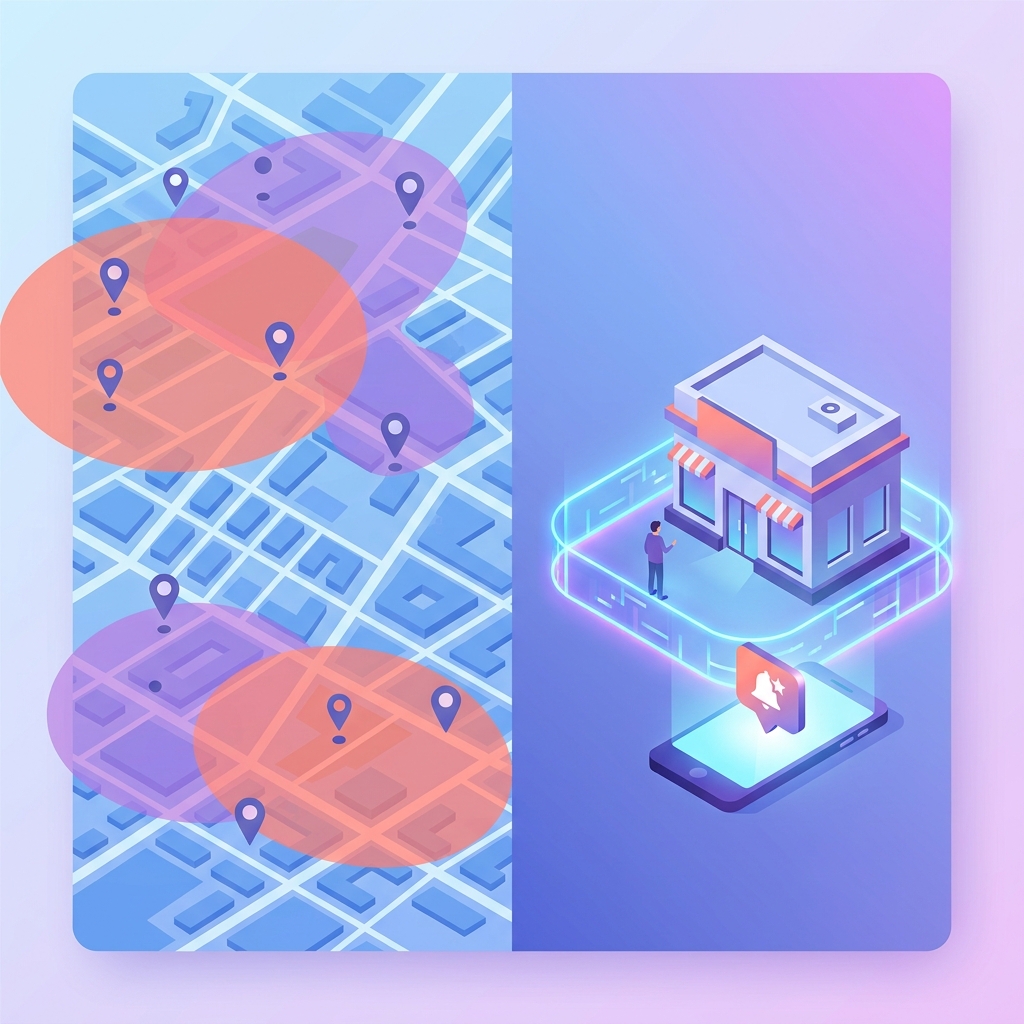
Geo-marketing is a broad term for marketing that uses geographic information to shape targeting, delivery, or analysis. Platforms may offer selected geographic areas, radius-based proximity, and settings that distinguish presence from interest. The term “geofencing” is not defined by the verified research here, so the specific meaning and available features depend on the platform.
Why are my local ads showing to people in another state?
One possibility is that the selected location setting includes people who have shown interest in the target area, not only people present there. Google Ads offers a presence-only option as well as a default positive setting that can include people likely to be in the area or interested in it. Check your campaign’s current setting and the platform’s definitions.
How small can an ad targeting radius be?
Radius options depend on the platform and feature. Google’s documentation gives the example of targeting a 10-kilometer area around a store, but that does not establish the smallest radius available. Check the current settings for the platform you use and consider whether the selected area suits your campaign.
Does real-time bidding use precise satellite GPS coordinates?
For its real-time bidding requests, Google says device location is derived from IP geolocation—not GPS—and is made coarse to protect privacy. Other platforms may use different methods, so consult the documentation for the specific system you are using.
What should I do if a neighboring town never converts?
Review the location-target performance available for your campaign and the date range you are assessing. Google Ads scripts can retrieve location-target metrics including impressions and clicks. If you decide the neighboring town is not relevant to your goals, review your location selections and adjust them using the options available in your platform.
About the Author

Brian Keary
Founder & Lead Developer
Brian is the founder of BKThemes with over 20 years of experience in web development. He specializes in WordPress, Shopify, and SEO optimization. A proud alumnus of the University of Wisconsin-Green Bay, Brian has been creating exceptional digital solutions since 2003.
Expertise
Writing since 2003